31
6
MEMORY CHANNELS
■
Copying memory contents
This function transfers a memory channel’s contents to VFO
(or another memory channel). This is useful when searching
for signals around a memory channel frequency and for re-
calling the offset frequency, subaudible tone frequency etc.
D Memory➪VFO
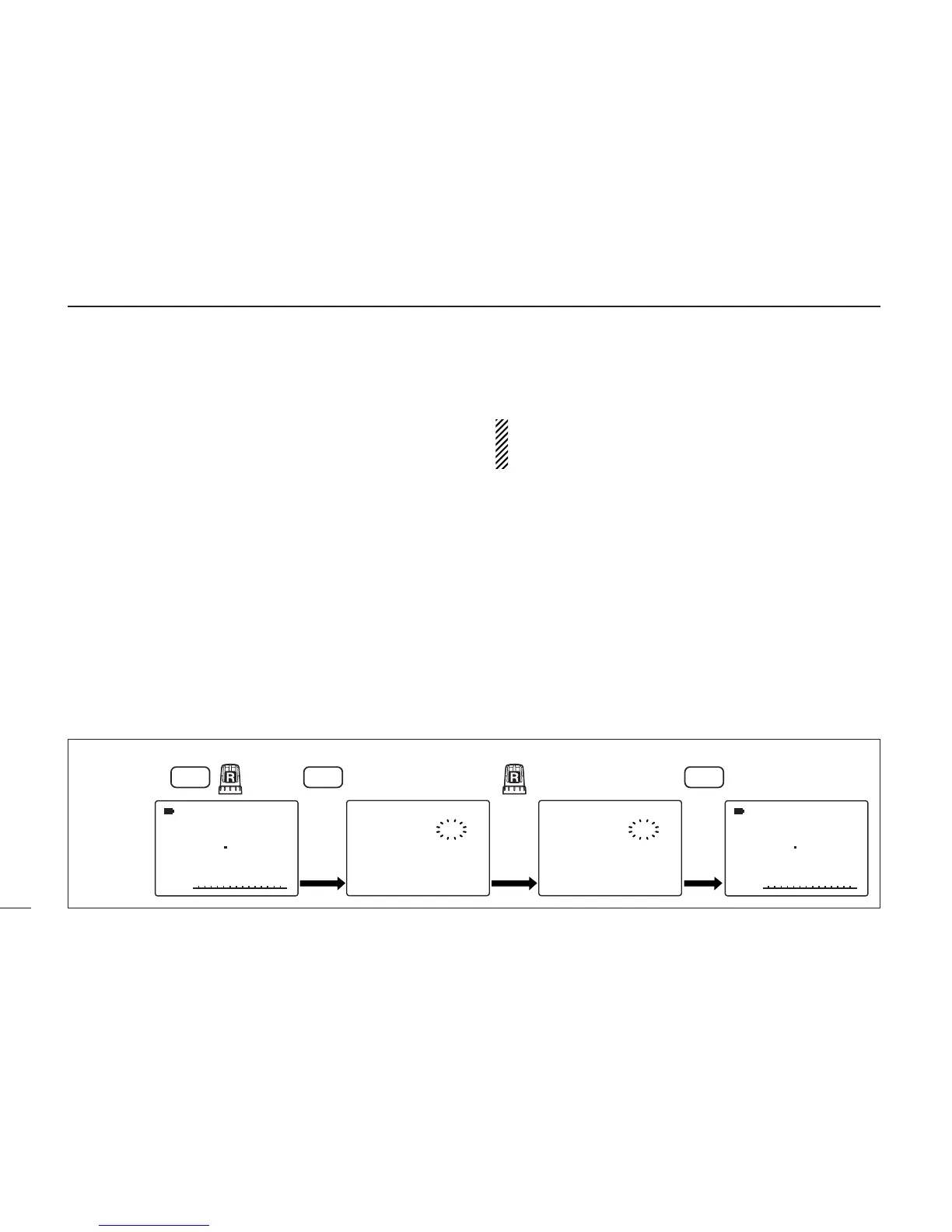
qSelect the memory channel to be copied.
➥ Push [MR S.MW] to select memory mode, then rotate
[R-DIAL] to select the desired memory channel.
• Select the bank channel with [BAND] and [R-DIAL], if desired.
wPush [MR S.MW] for 1 sec. to select the select memory
write condition.
•1 short and 1 long beep sound.
•“
µµ
” indicator blinks.
ePush [VFO MHz] to select “VFO.”
• Rotate [R-DIAL] can also select “VFO.”
rPush [MR S.MW] for 1 sec. to write the selected channel
contents to VFO mode.
• Returns to VFO mode automatically.
Pushing [MR S.MW] for 2 sec. at the step w, will also
copy the memory contents to VFO. In this case, the steps
e and r are not necessary.
D Memory➪memory
qSelect the memory channel to be copied.
➥
Push
[MR S.MW]
to select memory mode, then rotate [R-
DIAL] to select the desired memory channel.
wPush [MR S.MW] for 1 sec. to select the select memory
write condition.
•1 short and 1 long beep sound.
•“
µµ
” indicator blinks.
• Do not hold [MR S.MW] for more than 1 sec. otherwise the
memory contents will be copied to VFO.
eRotate [R-DIAL] to select the target memory channel.
rPush [MR S.MW] for 1 sec. again to copy.
[EXAMPLE]: Copying channel 20 to 51.



 To Next Page