47
9
COMFORTABLE RECEIVING
■ DTCS polarity setting
As well as the code setting, the polarity setting is also avail-
able for the DTCS operation. When a different polarity is set,
the DTCS never releases audio mute even when a signal with
matched code number is received.
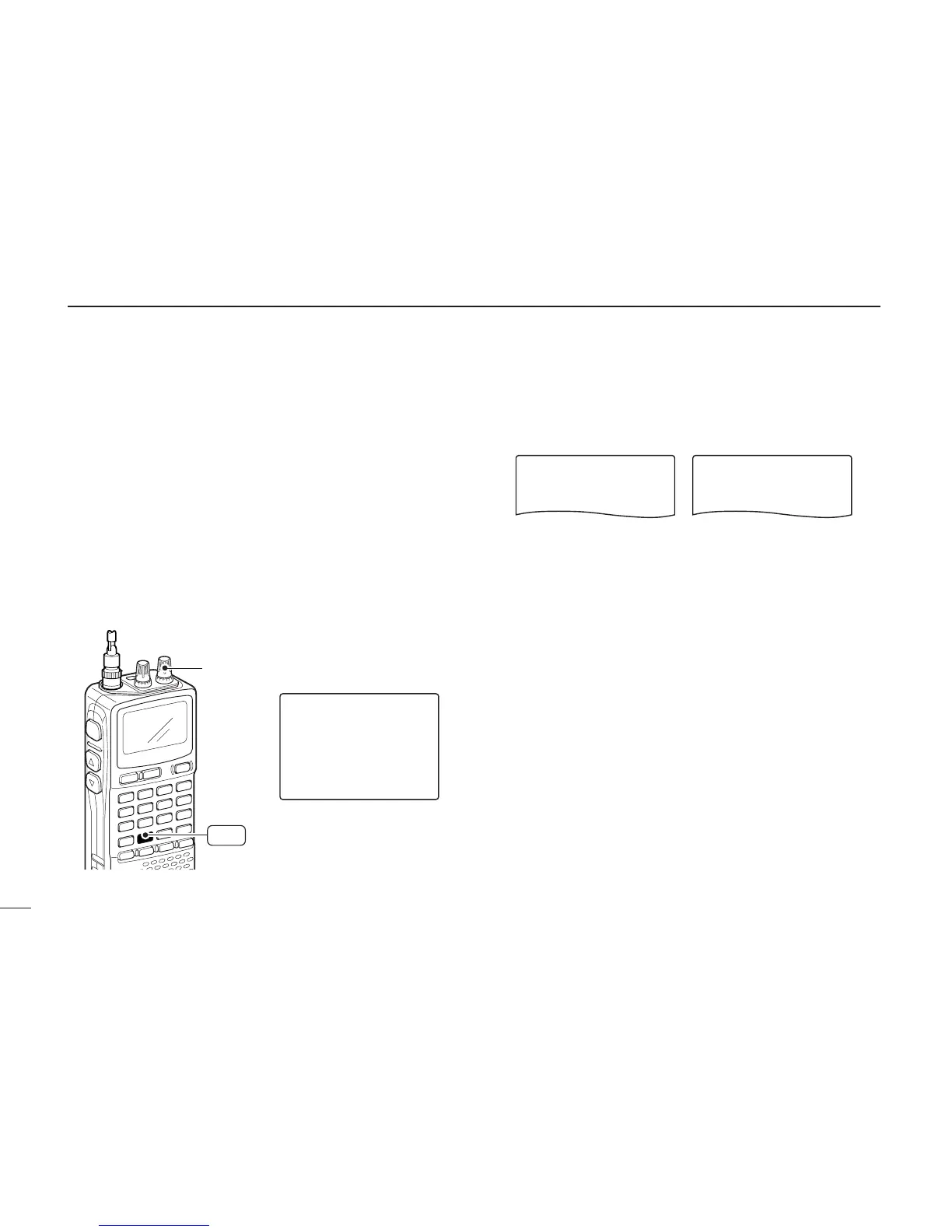
qPush [8 SET] for 1 sec. to enter set mode.
wRotate [R-DIAL] to select “SET EXPAND,” then push
[8 SET].
eRotate [R-DIAL] to turn the expanded set mode ON, then
push [8 SET].
rRotate [R-DIAL] to select “DTCS POLARITY,” then push
[8 SET].
tRotate [R-DIAL] to select the polarity from “NORMAL” and
“REVERSE,” then push [8 SET].
yPush [DUALWATCH] to exit set mode.



 To Next Page