29
6
MEMORY CHANNELS
■ Programming memory/bank name
Each memory channel can be programmed with an alphanu-
meric channel name for easy recognition and can be indicated
independently by channel. Names can be a maximum of 8
characters.
qPush [MR S.MW] to select memory mode.
wRotate [R-DIAL] to select the desired memory channel.
ePush [MR S.MW] for 1 sec. to select the select memory
write condition.
•1 short and 1 long beep sound.
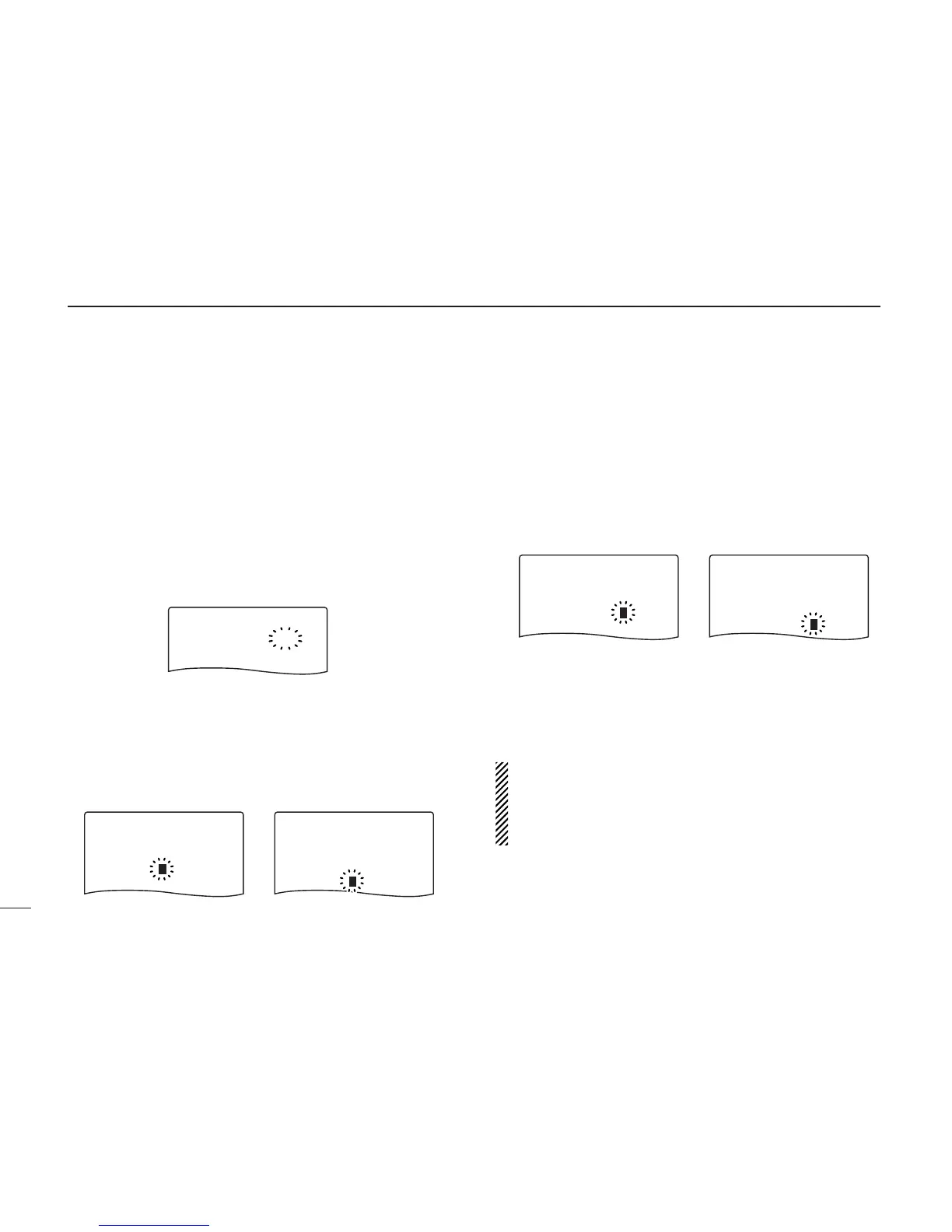
•“
µµ
” indicator blinks.
rWhile pushing [8 SET], rotate [R-DIAL] to select “BNAME”
or “MNAME” when programming the memory name or the
bank name, respectively.
• The item can also be selected by pushing [8 SET] several times.
• After selecting the memory or bank name programming condi-
tion, a cursor blinks for the first digit.
tRotate [R-DIAL] to select the desired character.
• The selected character blinks.
• While pushing [6 M.N], rotate [R-DIAL] to select the character
group.
yWhile pushing [BAND], rotate [R-DIAL] to move the cur-
sor to left or right.
• Push [BAND] to move the cursor to right.
uRepeat steps t and y until the desired 8-character chan-
nel names are displayed.
iPush [MR S.MW] for 1 sec. to program the name and exit
the channel name programming condition.
•3 beeps sound.
NOTE: Only one bank name can be programmed into
each bank. Therefore, the previously programmed bank
name will be displayed when bank name indication is se-
lected. Also, the programmed bank name is assigned for
the other bank channels automatically.



 To Next Page