41
7
SCAN OPERATION
DD
Scan resume timer
The scan restarts after the signal disappears according to the
resume time. It can be set from 0–5 sec. or unlimited.
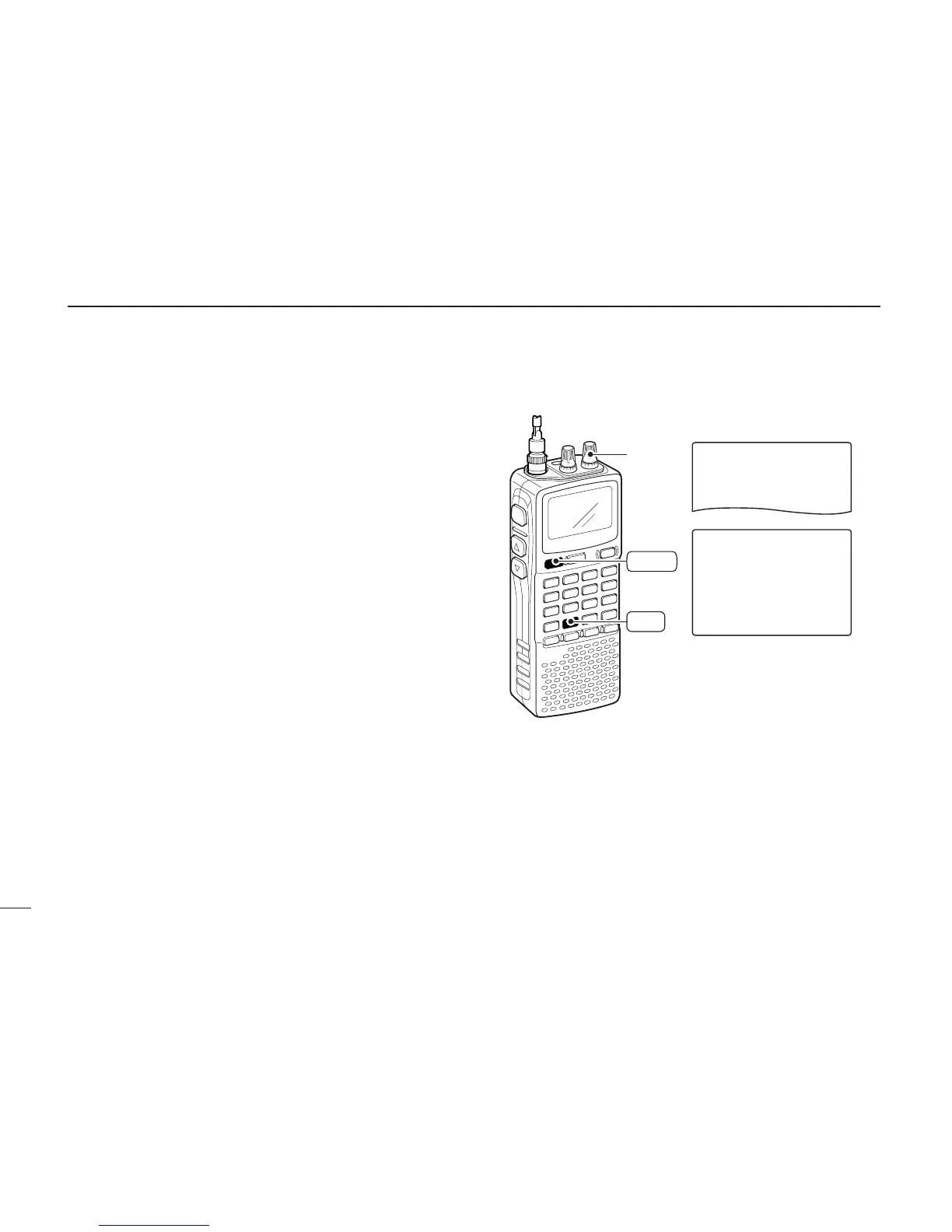
qPush [8 SET] for 1 sec. to enter set mode.
wRotate [R-DIAL] to select “SET EXPAND,” then push
[8 SET].
eRotate [R-DIAL] to turn the expand set mode selection
ON, then push [8 SET].
rRotate [R-DIAL] to select “SCAN RESUME,” then push
[8 SET].
tRotate [R-DIAL] to set the desired scan resume timer from
0–5 sec. (1 sec. steps) and “HOLD.”
• “0SEC” : Scan restarts immediately after the signal dis-
appears.
• “1SEC”–“5SEC” : Scan restarts 1–5 sec. after the signal disap-
pears.
• “HOLD” : Scan restarts by rotating [R-DIAL] only.
yPush [DUALWATCH] to exit set mode.



 To Next Page