23
5
REPEATER OPERATION
■ Offset frequency
When communicating through a repeater, the transmit fre-
quency is shifted from the receive frequency by an amount
determined by the offset frequency.
qPush [FUNC], then push [
SET
](8) to enter
SET MODE
.
wPush [
YY
] or [
ZZ
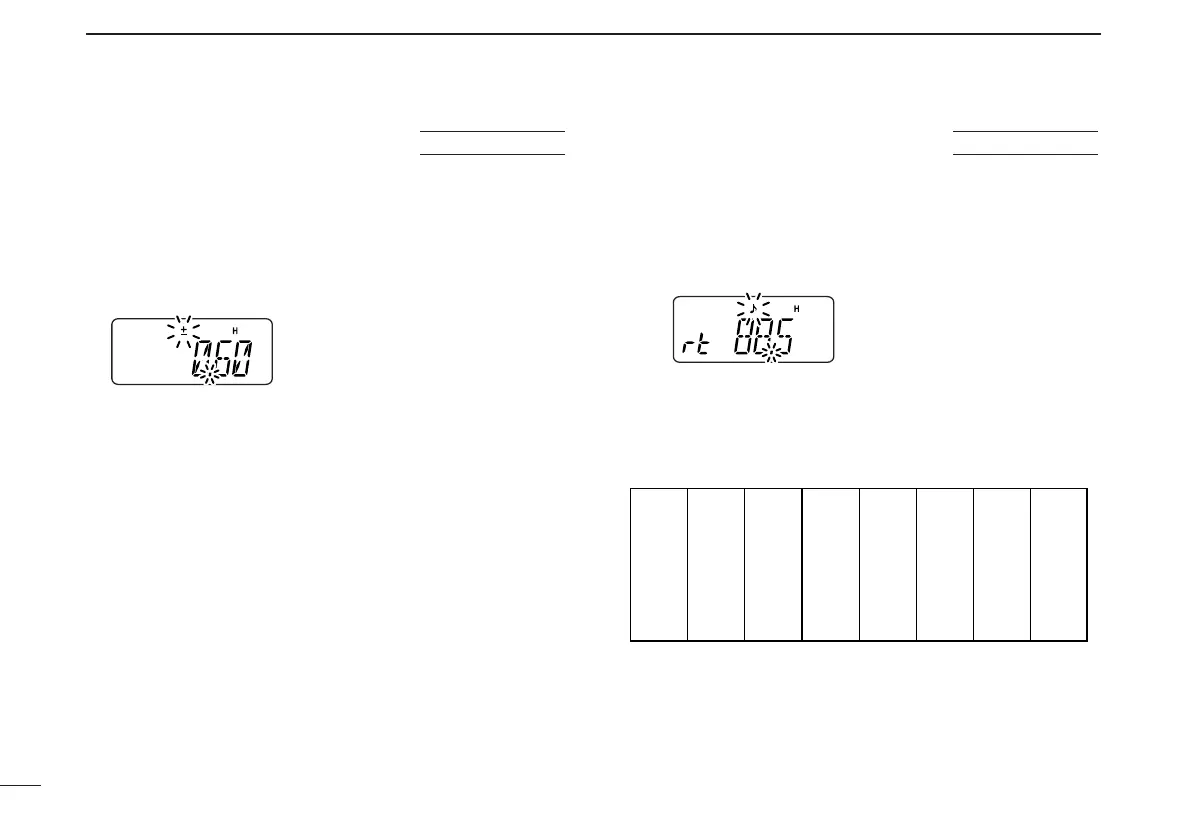
] several times until “±” and offset frequency
appear.
eRotate [VOL] to select the desired offset frequency.
• Selectable steps are the same as the pre-set tuning steps.
• The unit of the displayed offset frequency is “MHz.”
rPush [✱
ENT
] (or [CLR]) to set the offset frequency and exit
SET MODE
.
■ Subaudible tones
Some repeaters require subaudible tones to be accessed.
Subaudible tones are added to your normal signal and must
be set in advance.
qPush [FUNC], then push [
SET
](8) to enter
SET MODE
.
wPush [
YY
] or [
ZZ
] several times until “rt” appears.
eRotate [VOL] to select the desired subaudible tone.
rPush [✱
ENT
] (or [CLR]) to set the selected tone and exit
SET MODE
.
• Available subaudible tone frequencies (unit: Hz)



 To Next Page