42
9
SUB AUDIBLE TONES
1
2
3
4
5
6
7
8
9
10
11
12
13
14
15
16
17
18
19
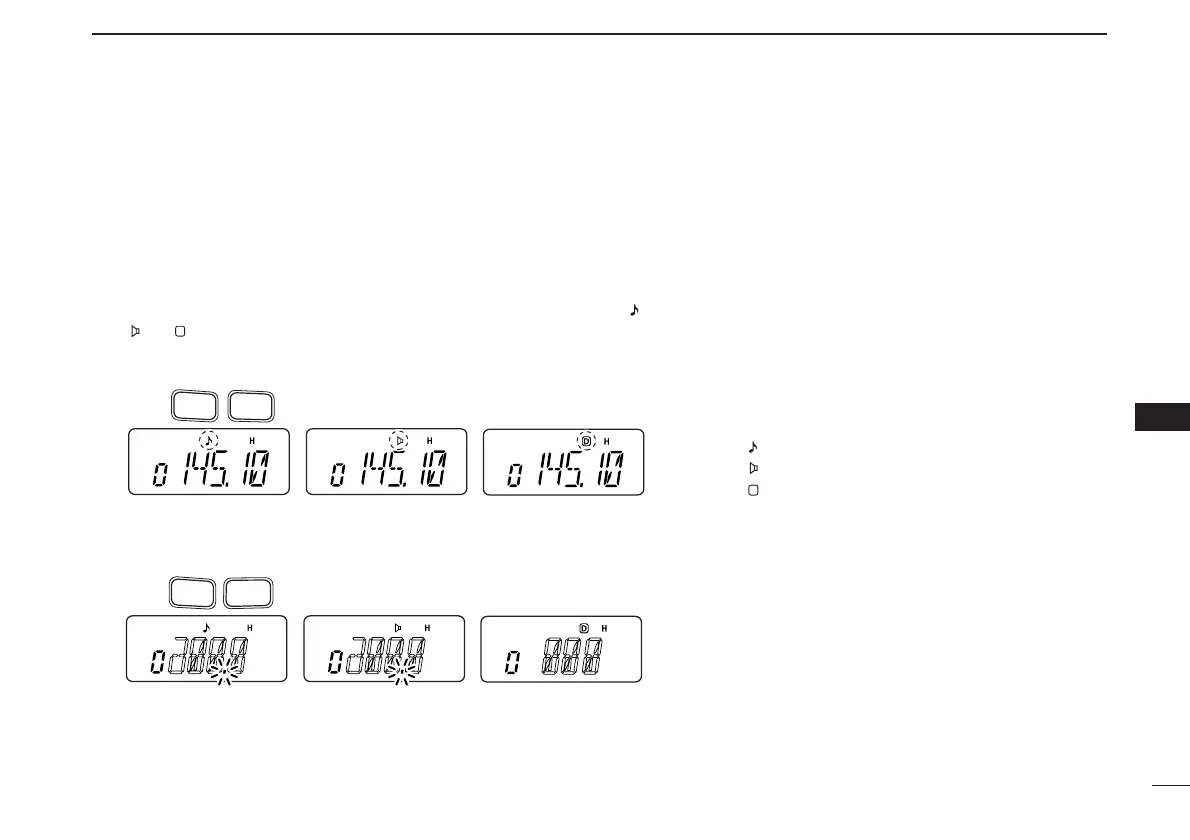
■ Tone scan
By monitoring a signal on a repeater, or using pocket beep or tone
squelch function, you can determine the tone frequency necessary to
access a repeater or open the squelch.
q Set the frequency to be checked for a tone frequency or code.
w Push [FUNC], then push [
TONE
](1).
• Repeat several times to select the type of tone to be scanned. (One of “ ,”
“” or “ ” appears)
•Tone scan may be used even if the tone condition or type is not selected.
e Push [FUNC], then push [
T
.
SCAN
](3) to start the tone scan.
• To change the scanning direction, push [
YY
] or [
ZZ
].
r When the CTCSS tone frequency or DTCS code
is matched, the squelch opens and the tone fre-
quency or code is temporarily programmed into
the selected mode such as memory or call chan-
nel.
• The tone scan pauses when a CTCSS tone fre-
quency or 3-digit DTCS code is detected.
• The decoded CTCSS tone frequency or 3-digit DTCS
code is used for the tone encoder or tone encoder/de-
coder depending on the selected tone condition or
type in step w.
- No indication : Cannot be used for operation.
-“ ” : CTCSS tone encoder
-“ ” : CTCSS tone encoder/decoder
-“ ” : DTCS tone encoder/decoder
t Push [CLR] to stop the scan.



 To Next Page