31
6
MEMORY/CALL OPERATION
■ Transferring bank contents
Contents of programmed memory banks can be cleared or
transferred to another bank.
INFORMATION: Even if the memory bank contents are
cleared, the memory channel contents still remain pro-
grammed.
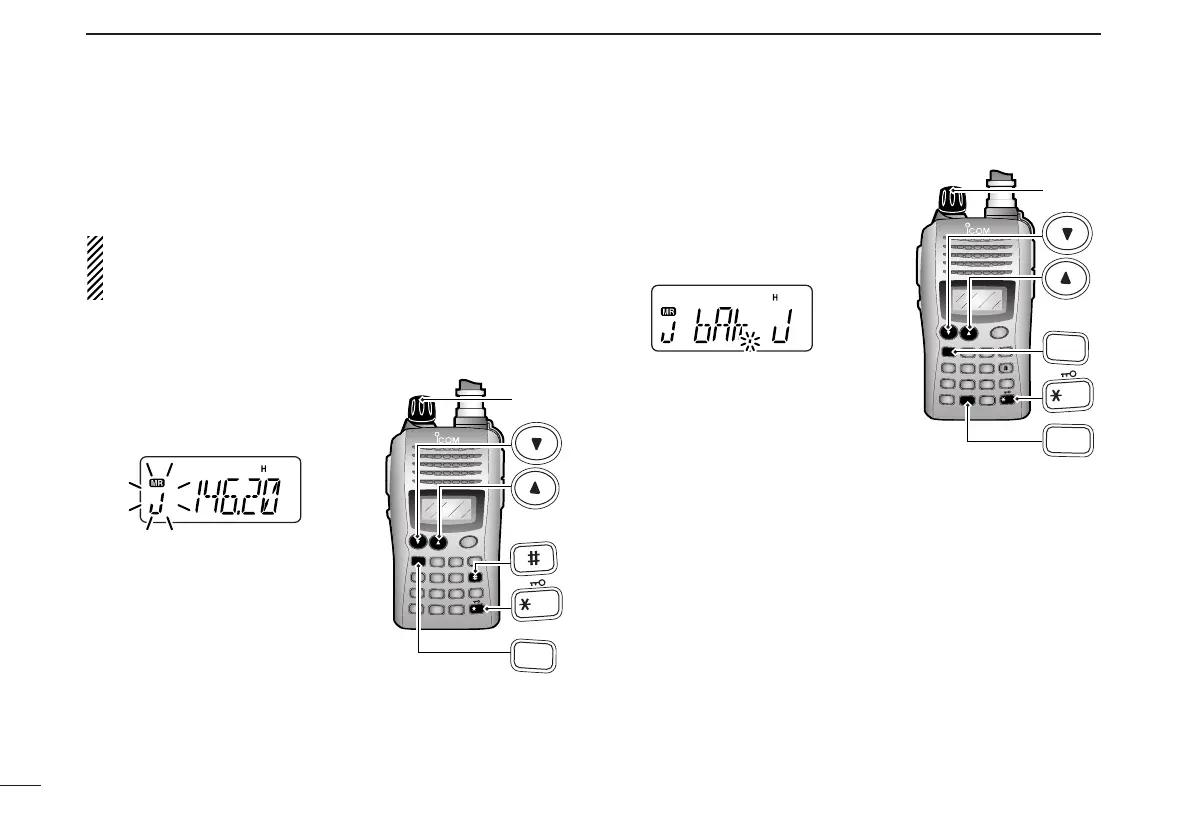
q
Select the desired bank contents to be transferred or erased.
➥ Push [MR] to select memory mode.
➥ Push [FUNC] and [
BANK
](#),
then rotate [VOL] to select the
desired memory bank.
• Bank indicator blinks.
➥ Push [✱
ENT
] (or [CLR]) to se-
lect the bank then push [
YY
]
and [
ZZ
] to select the desired
contents.
• Bank indicator stops blinking.
w Push [FUNC] and [
SET
](8) to
enter
SET MODE
.
e Push [
YY
] or [
ZZ
] several times
until “bAk” appears.
• Bank indicator appears.
r Rotate [VOL] to select the de-
sired bank to receive the trans-
ferred information or erase the
bank contents.
• Select “– –” indication when erasing
the contents from the bank.
t Push [✱
ENT
] (or [CLR]) to transfer or erase, and return to
regular memory mode.
y Repeat steps q to t for transferring or erasing an an-
other bank’s contents.



 To Next Page