34
7
DTMF MEMORY
1
2
3
4
5
6
7
8
9
10
11
12
13
14
15
16
17
18
19
D Manual DTMF code transmission
While pushing [PTT], push digit keys, [A], [B], [C], [D], [#]
and [✱] to transmit a DTMF code sequence manually.
• [✱] transmits tone “E”, [#] transmits tone “F.”
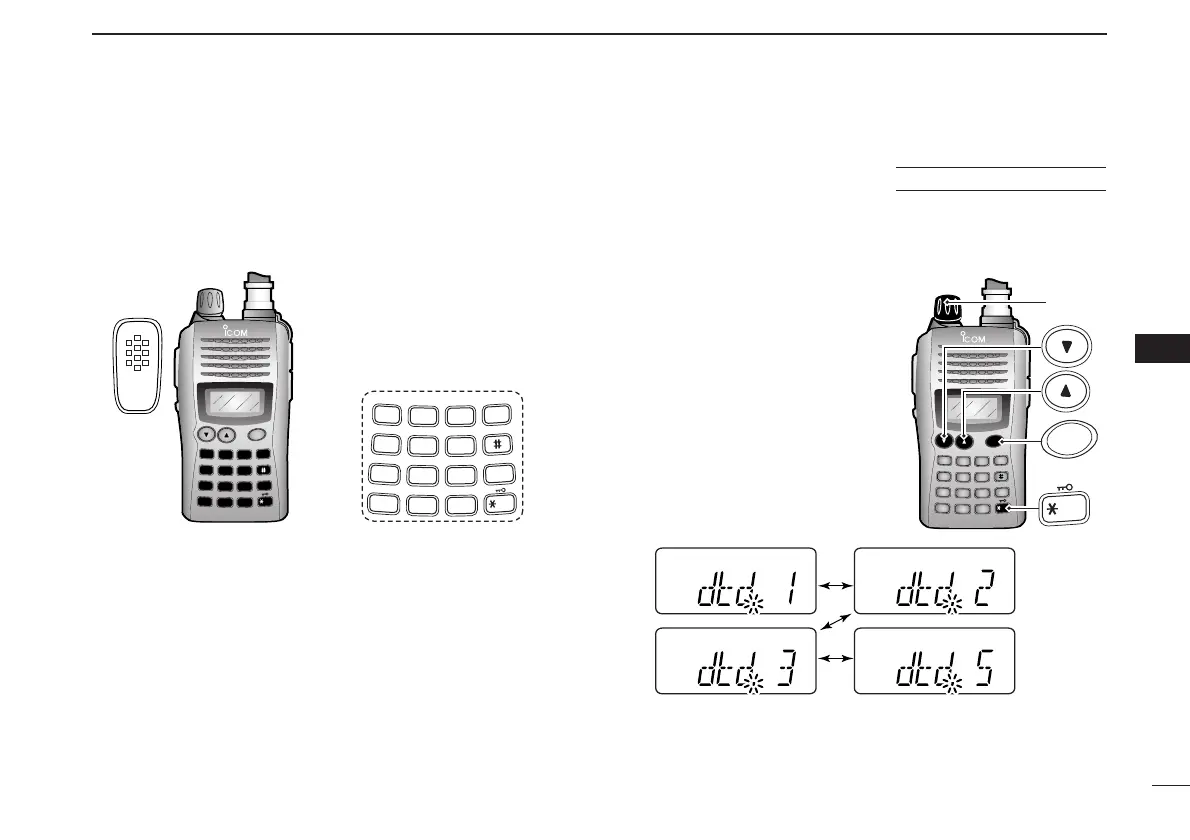
■ DTMF transmission rate
When slow DTMF transmission rates are required with DTMF
memory transmission (as for some repeaters), the trans-
ceiver’s rate of DTMF transmission can be adjusted.
qWhile pushing and holding [
YY
]
and [
ZZ
], turn the power ON to
enter
INITIAL SET MODE
.
wPush [
YY
] or [
ZZ
] several times
until “dtd” appears.
eRotate [VOL] to select the de-
sired DTMF transmission rate.
• Four rates are available: “1” (100
msec. intervals) is the fastest; “5”
(500 msec. intervals) is the slow-
est.
rPush [✱
ENT
] (or [CLR]) to exit
INITIAL SET MODE
.



 To Next Page