29
6
MEMORY/CALL OPERATION
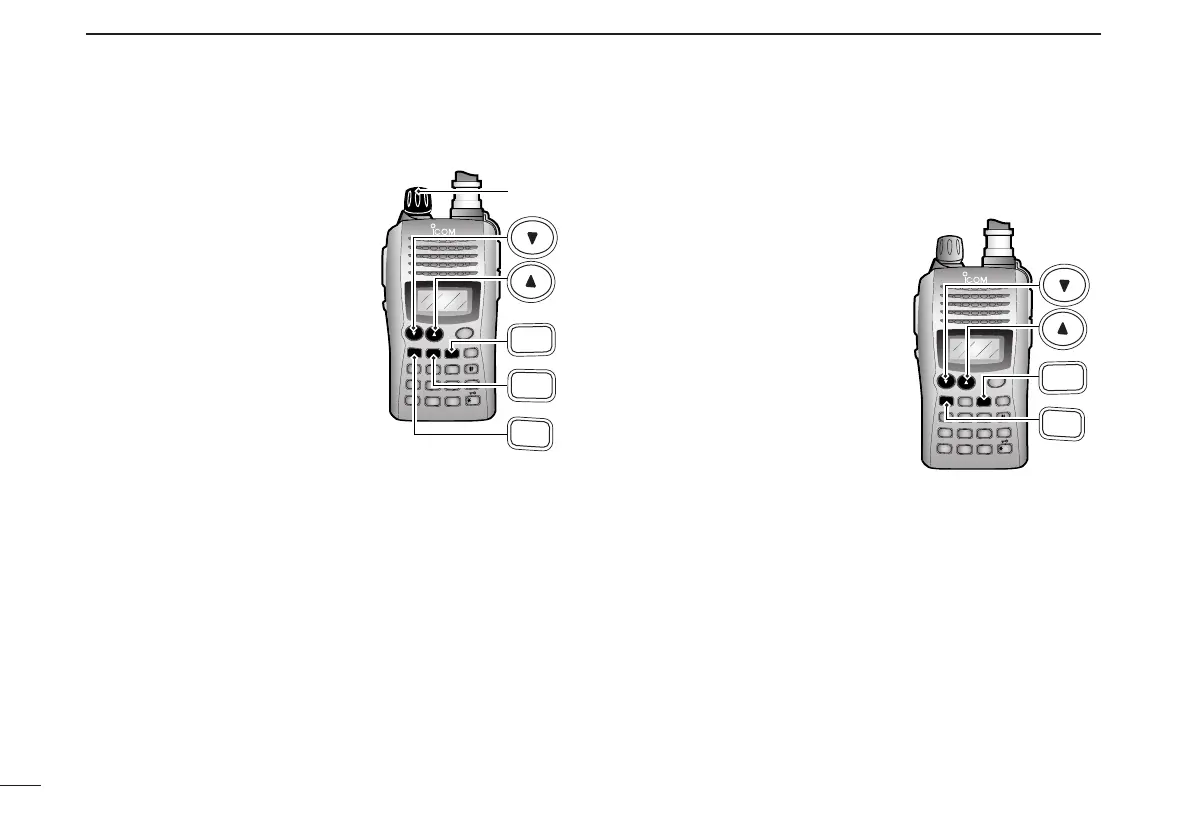
D Memory/call ➾ memory/call
qSelect the memory (call) chan-
nel to be transferred:
➥ Push [MR] (or [CALL]) to se-
lect the memory (call chan-
nel) mode.
➥ Push [
YY
] or [
ZZ
] to select the
memory channel.
• When [VOL] is assigned as
tuning dial, rotate [VOL] to se-
lect the memory channel. (pgs.
18, 53)
wPush [FUNC], then push [MR]
momentarily.
• “--” and “
X
” blink.
ePush [
YY
] or [
ZZ
] to select the target memory.
• When [VOL] is assigned as tuning dial, rotate [VOL] to select
the target channel. (pgs. 18, 53)
rPush [FUNC], then push and hold [MR] for 1 sec.
• Memory mode is selected and the contents are transferred to the
target memory.
D Clearing a memory
qPush [CLR] to select VFO mode, if necessary.
wPush [FUNC], then push [MR] to enter the memory trans-
fer mode.
•“
X
” and a memory channel
number blink.
ePush [
YY
] or [
ZZ
] to select the
memory channel to be cleared.
• When [VOL] is assigned as tun-
ing dial, rotate [VOL] to select the
memory channel. (pgs. 18, 53)
• The call channel cannot be
cleared.
rPerform the following operation
within 1 sec, otherwise the
transceiver returns to the mem-
ory mode without clearing the
memory.
- Push [FUNC], then push [MR] momentarily.
- Push [FUNC], then push and hold [MR] for 1 sec.
• The contents of the selected memory are cleared.
tPush [CLR] to return to regular operation.



 To Next Page