ClearMark™ Installation, Operation & User Manual – Page 111
V 1.S.10 January 2021
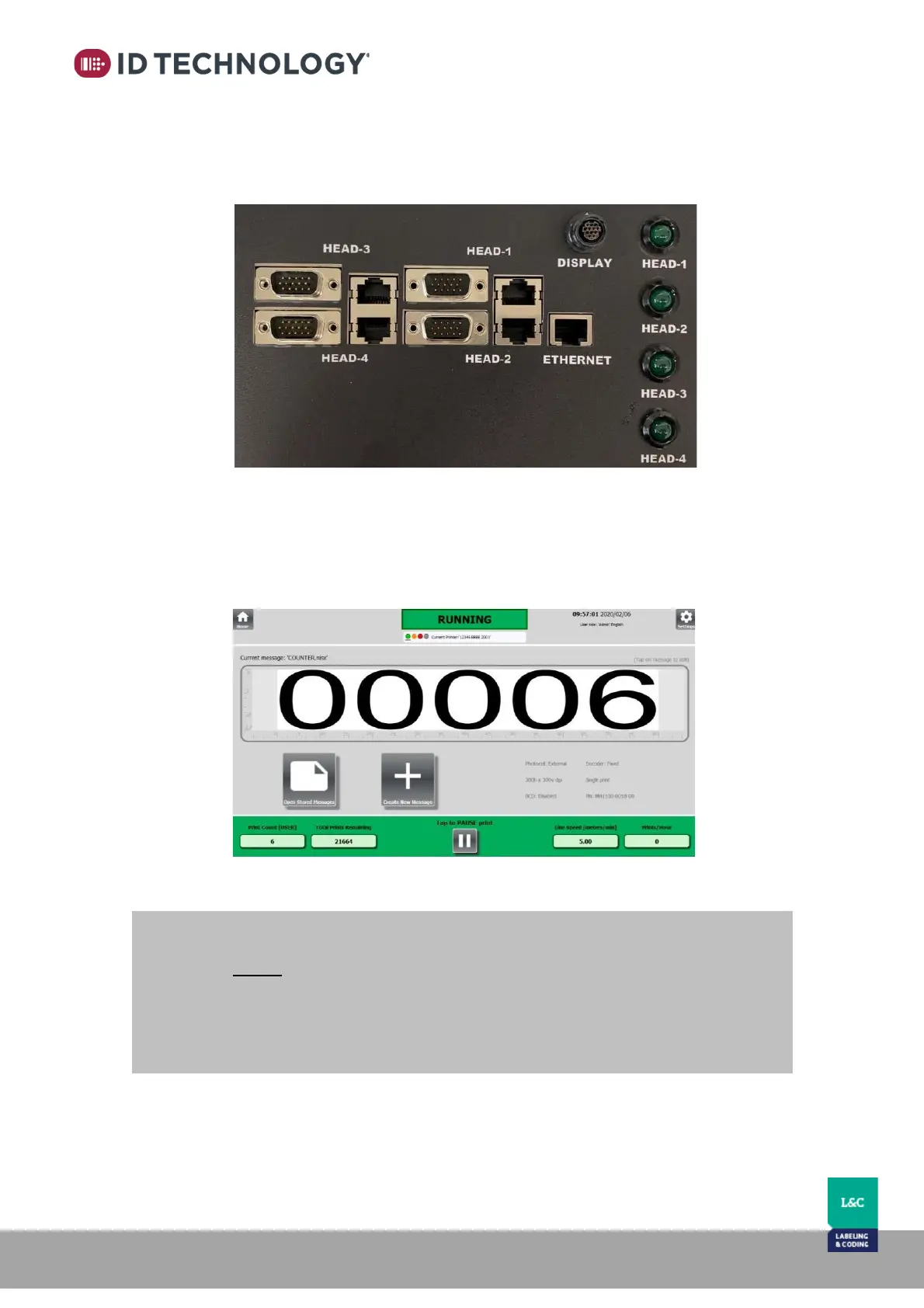
LED Status
There are four green LEDs that display the status of each printer. The status is generated by the
alarm signal (out_noError) from each head.
Configuring HMI and printheads for use with ClearMark Junction Box
When printheads are connected to the junction box, it is possible to control up to four printheads
using one HMI (touch screen or PC):
-
NOTE:
All the network devices (HMI & Printers) connected to a junction box must be set to an IP
range with a unique IP address value.
Note: After connecting the HMI to a printhead and powering up, the HMI and Printhead
network defaults will read as follow:
- HMI default IP is 192.168.16.203
- Printer default IP is 192.168.16.210 (Circular HMI connection port)



 To Next Page