ClearMark™ Installation, Operation & User Manual – Page 61
V 1.S.10 January 2021
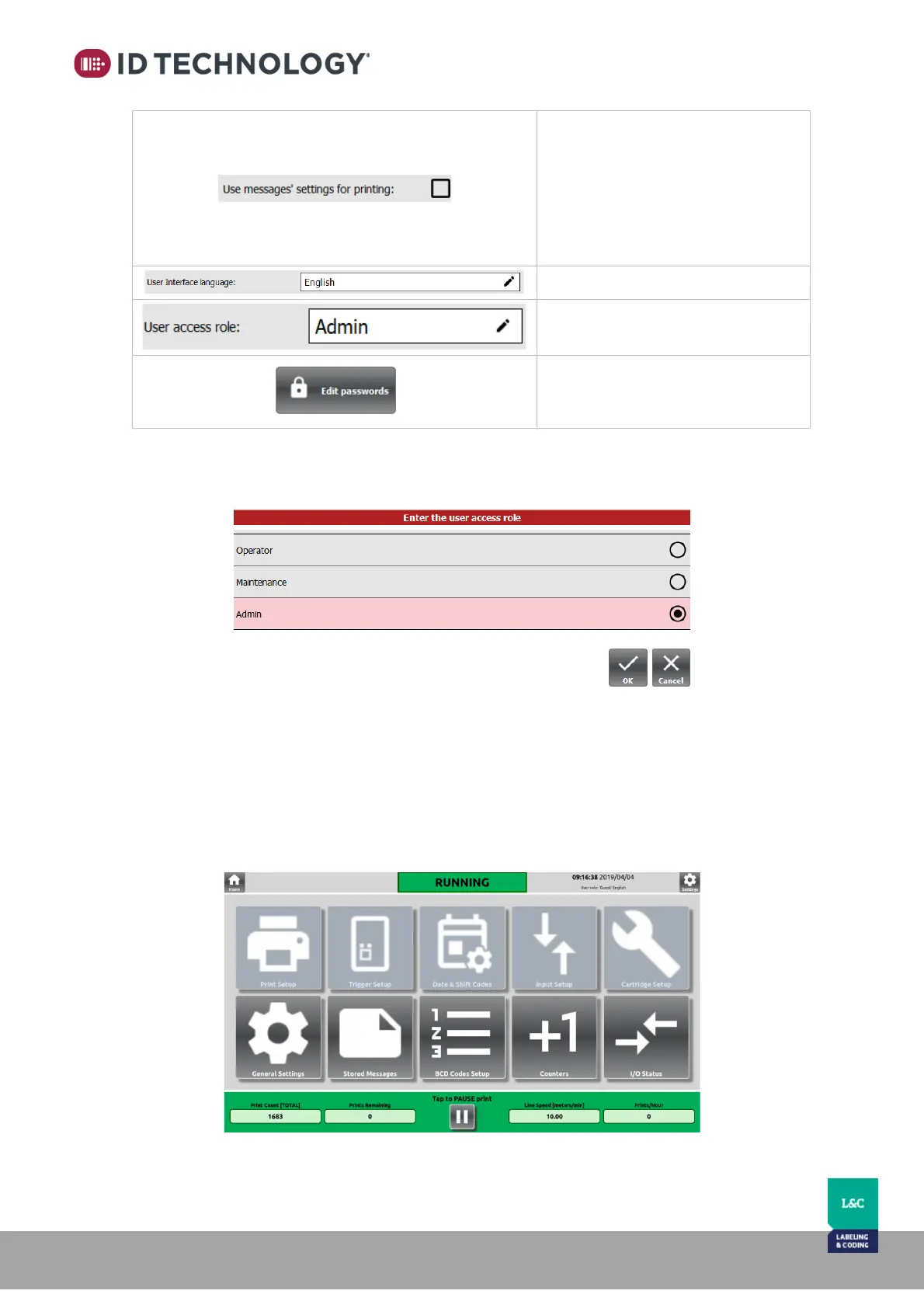
When enabled, it configures the
printer using the settings embedded
into each message. (See “How to
configure the printer depending on
the current message settings” point
for more details).
User access role selection. (See
below for details)
Tap on this button to edit the
password used to change the user
role.
Password/User access levels:
There are 3 types of user access levels and the passwords are not customizable.
• Operator: Operator level has the fewest privileges; Operator level cannot edit printer
parameters or edit/create messages. Operator level can select the message to be
printed, select counters from the list and see I/O Status and Cartridge Info. Password is
not required.



 To Next Page