10” HMI
The printer may connect to the 10” touchscreen HMI. It’s connected by Ethernet through the
special circular connector at the bottom rear of the printer (See Connectors chapter).
Once connected, the HMI must be configured in order to connect and communicate with the
printer.
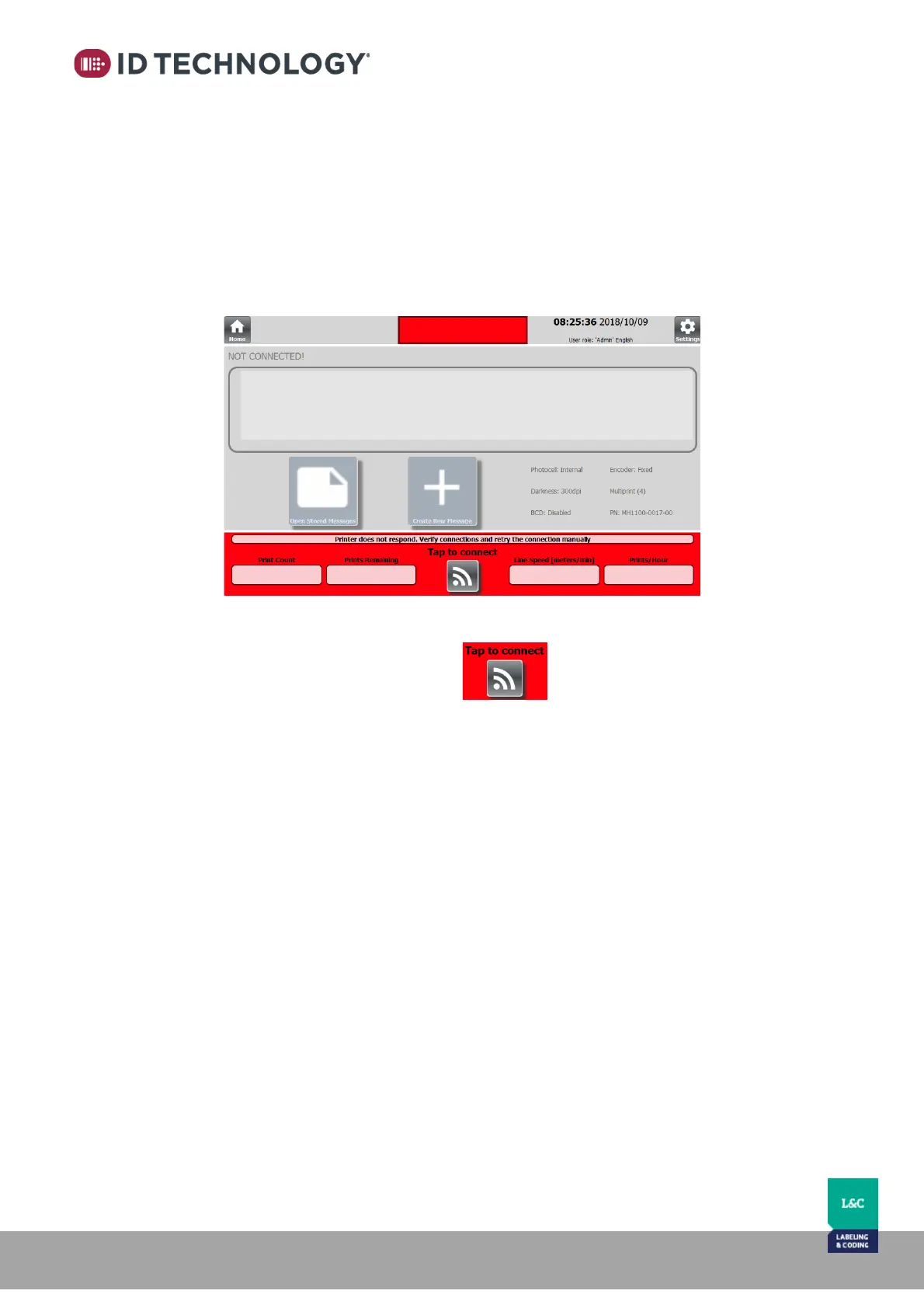
After switching on the printer, if the HMI does not connect, the user interface will be inactive:
To setup the communication, tap on the button to automatically detect the
printer’s connection settings.
See chapter “Settings > Level 2 > Communications” for further details on how to configure the
HMI.



 To Next Page