Installation
The ClearMark™ printer prints a message on the product surface by having the product or the
printer itself move. For example:
- Production line: the product moves
- Packaging machine & Traversing system: the printer is moved
The following points cover a 'typical' installation on a production line where the product is
moving. Technical Service can offer support for other types of installations.
Positioning the Printer & Print distance
Mounting the printer
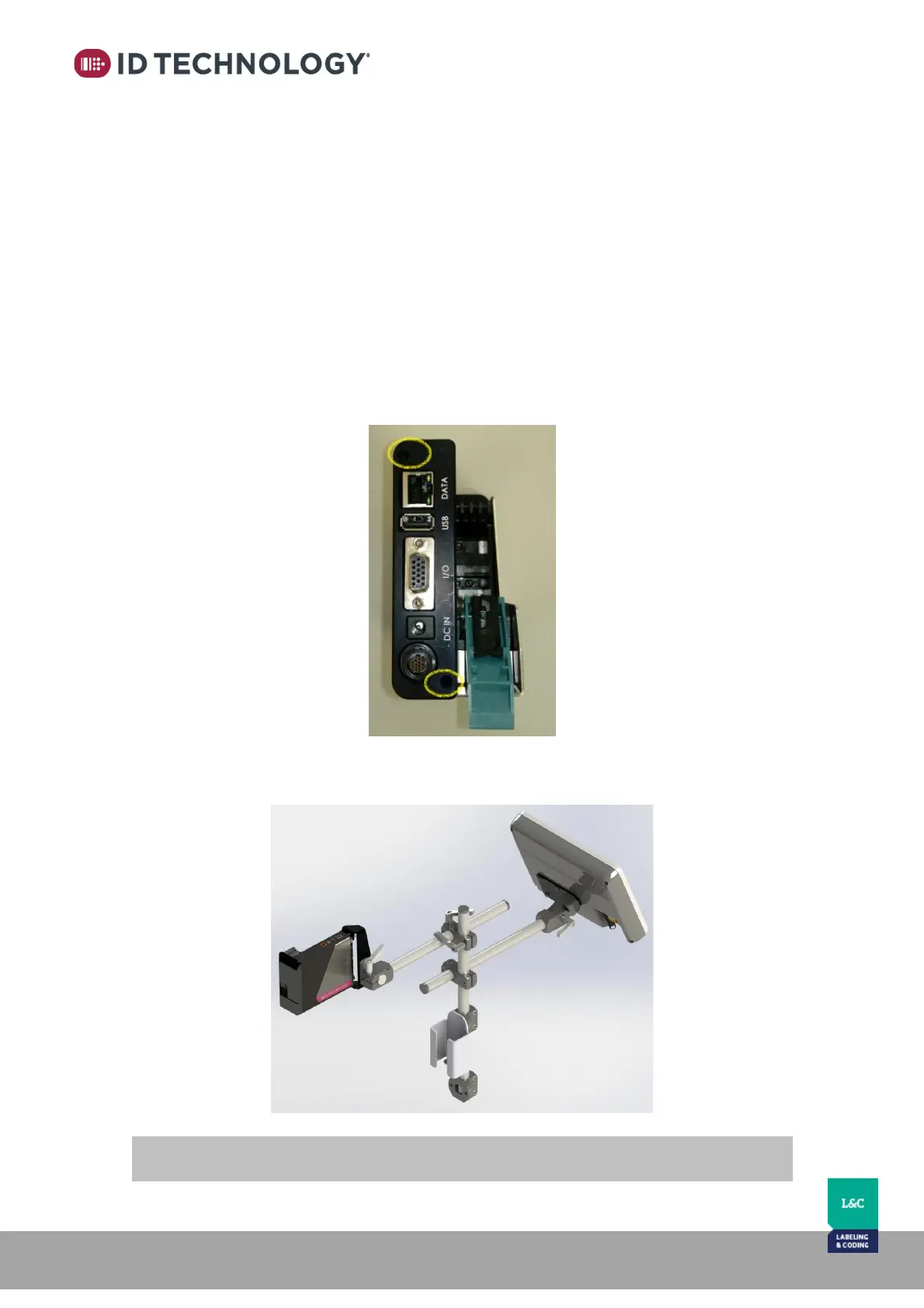
To mount the printer to a production line, there are two mounting holes available on the back
of the print head for securing to bracketry.
If you are using the standard support, it includes a piece that attaches to the mounting holes
shown above.



 To Next Page