EasyManua.ls Logo

ID Technology ClearMark - Printer Power On Procedure

ID Technology ClearMark
116 pages
Print Icon
To Next Page IconTo Next Page
To Previous Page IconTo Previous Page
Loading...
ClearMark™ Installation, Operation & User Manual Page 28
V 1.S.10 January 2021
V-1.S.1
Power Source & Switching on the Printer
See the SAFETY section for instructions on connecting the printer to the power supply.
An easily accessible 120VAC outlet is required near the printer to connect the power supply.
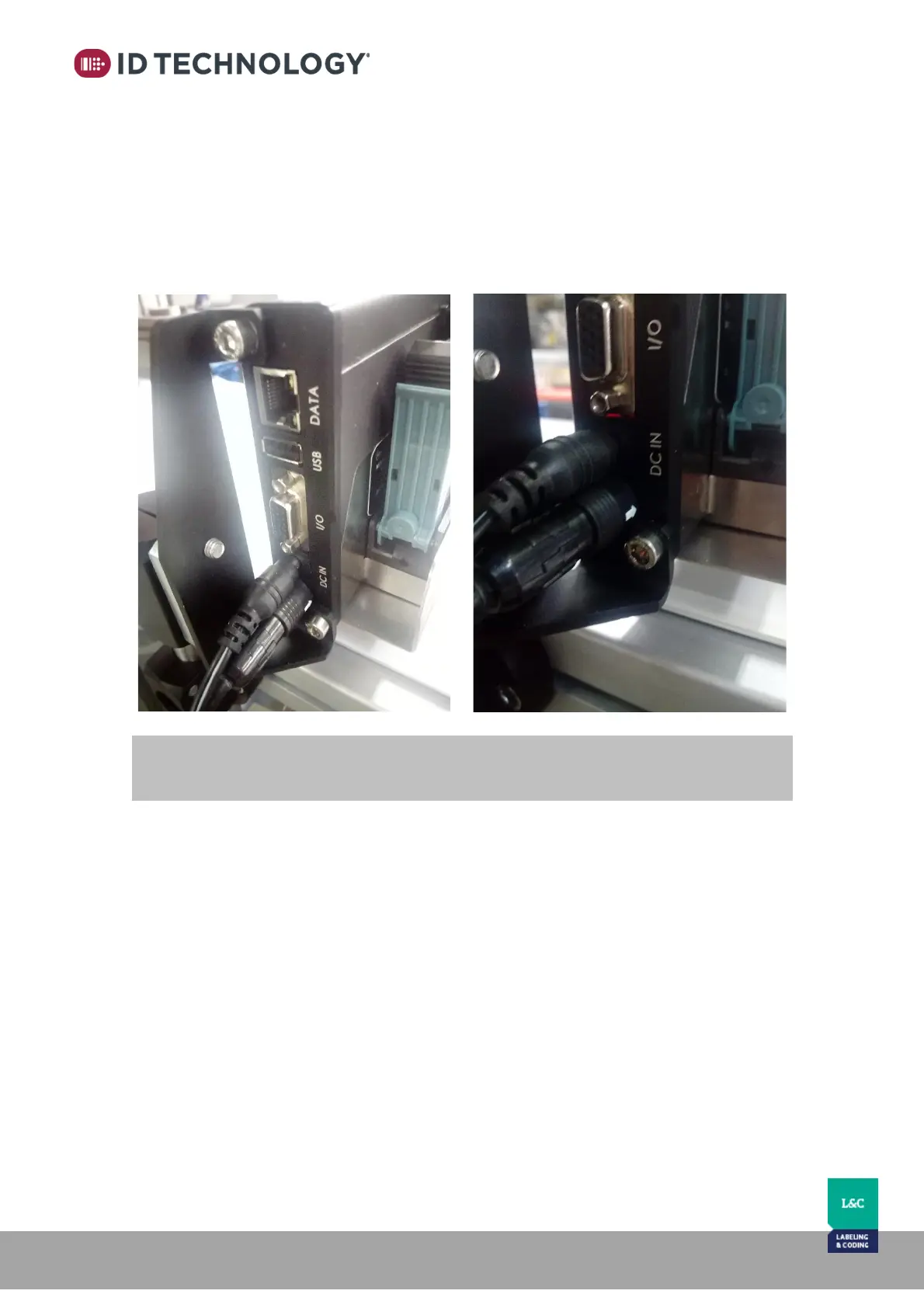
Connect the power source to the printer's DC IN socket.
When you plug it in, the printer will switch on automatically.

NOTE: Only use the specified power source that comes with the printer.

Table of Contents