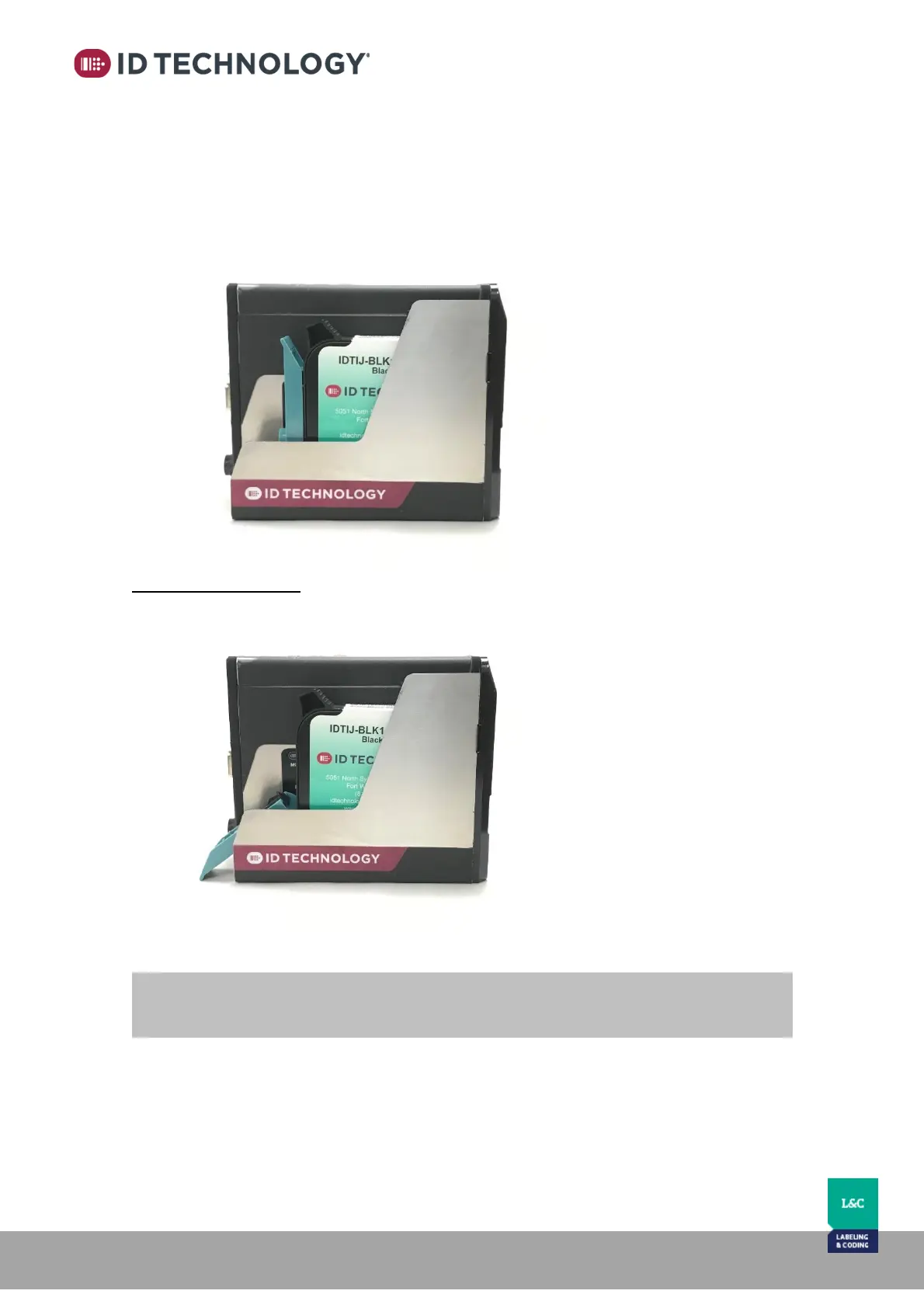
3. Once it is in position, raise the lever to lock the cartridge in place.
Note: Do not force the blue lever or damage may occur to the lever and or cartridge.
If it does not want to close, ensure cartridge is inserted properly and try again.
Removing the Cartridge
1. Gently pull blue lever backward and then down to release and lift the cartridge.
2. Remove the cartridge using the grip tab on the top back of the cartridge.



 To Next Page