EasyManua.ls Logo

ID Technology ClearMark - BCD Codes Assignment for Messages

ID Technology ClearMark
116 pages
Print Icon
To Next Page IconTo Next Page
To Previous Page IconTo Previous Page
Loading...
ClearMark™ Installation, Operation & User Manual Page 70
V 1.S.10 January 2021
V-1.S.1
BCD Codes Setup:
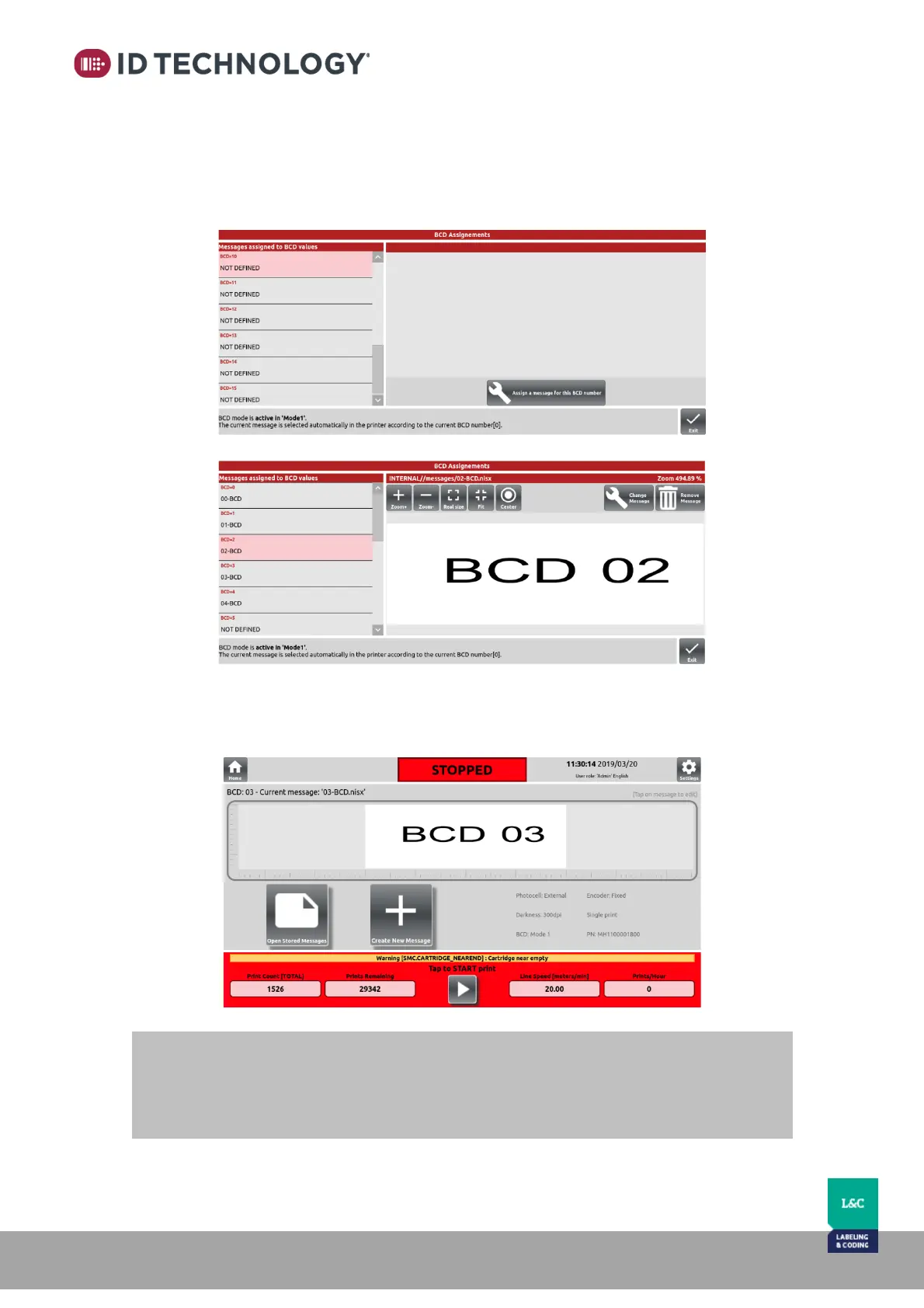
When BCD Mode 1 or 2 is selected, this menu allows the user to assign which message is to be
printed depending on the external BCD signal inputs.
After assigning the messages to the BCD code positions, the message selected by BCD signals
will be previewed in the main screen:
NOTE:
If BCD MODE2 is enabled and the Strobe signal is configured for State, it only will be
possible to select the first eight messages assigned via BCD Code (BCD0 BCD7)
See “Inputs” Section for more details.

Table of Contents