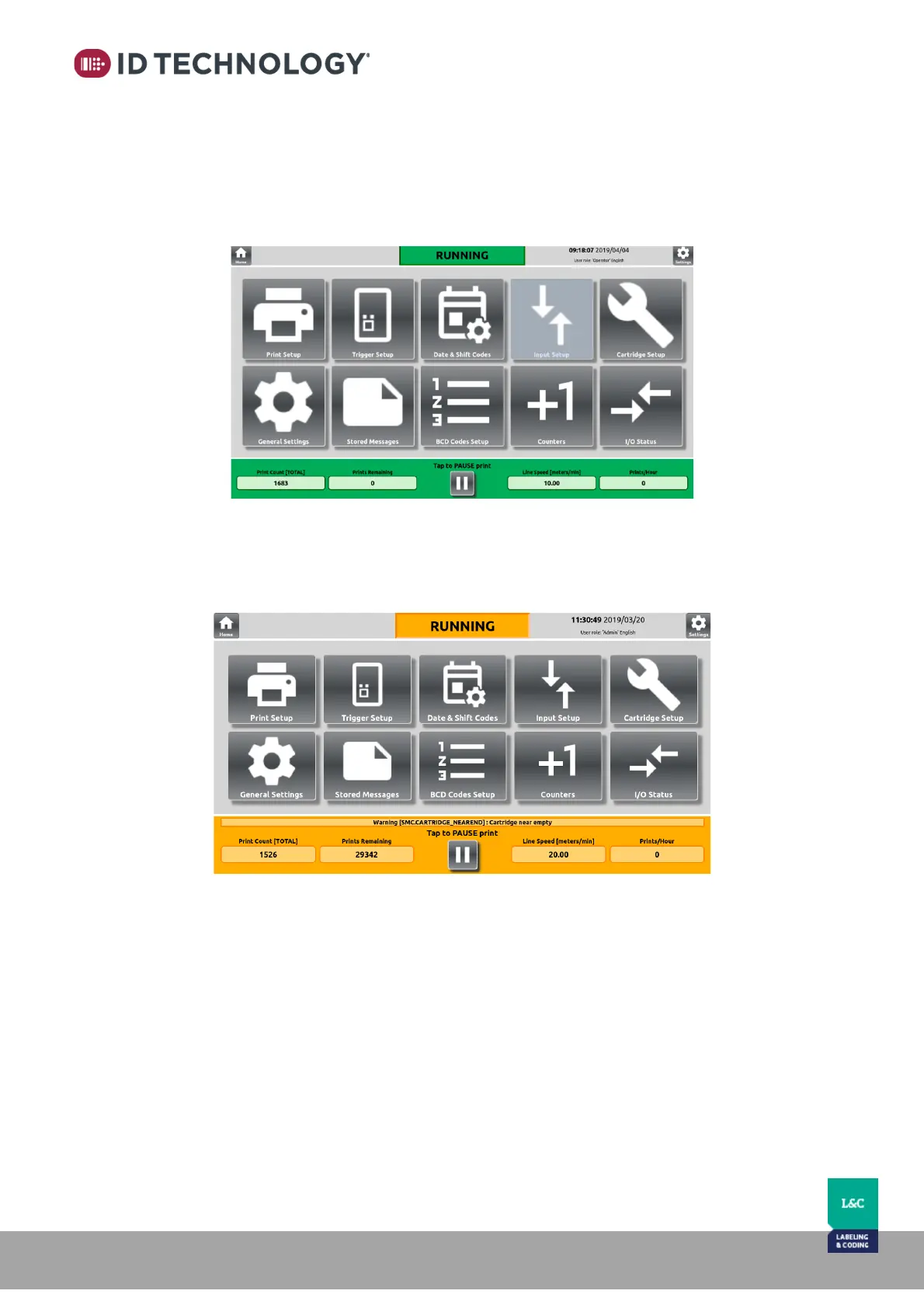
• Maintenance: This user has more privileges than Operator but less than Administrator.
The privileges are associated with the basic operations of the printer such as editing
print setup or to edit/create messages. Operator cannot edit Communications
parameters or Input Setup.
Password required = 2605
• Admin: This is the user with top privileges; admin can access all settings including
Resetting HMI or Printer to factory defaults and changing the network configuration.
Password required = 3010



 To Next Page