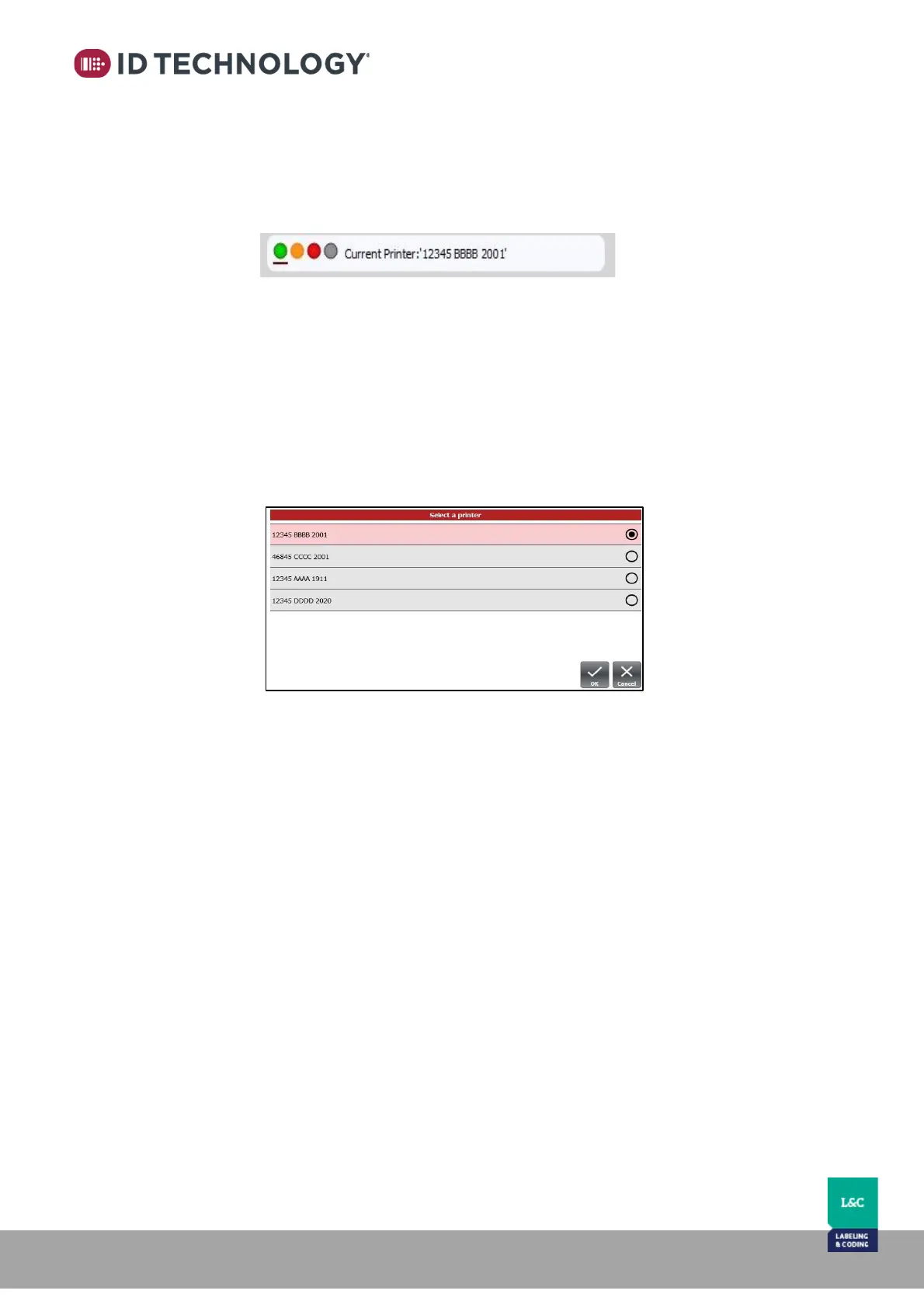
12. Press ok to confirm and automatically establish connection with each printer.
13. The top of the HMI will now display box of 4 indicator icons that display the general
status and name for each printer:
.
o Green: the printer is ready to print.
o Red: the printer is in error mode (includes stopped).
o Yellow: the printer is in warning mode.
o Grey: the printer is disconnected or having communication
issues.
14. Tap on the virtual LEDs to choose which printer is the active printer in order to see
parameters and edit messages etc.



 To Next Page