ClearMark™ Installation, Operation & User Manual – Page 46
V 1.S.10 January 2021
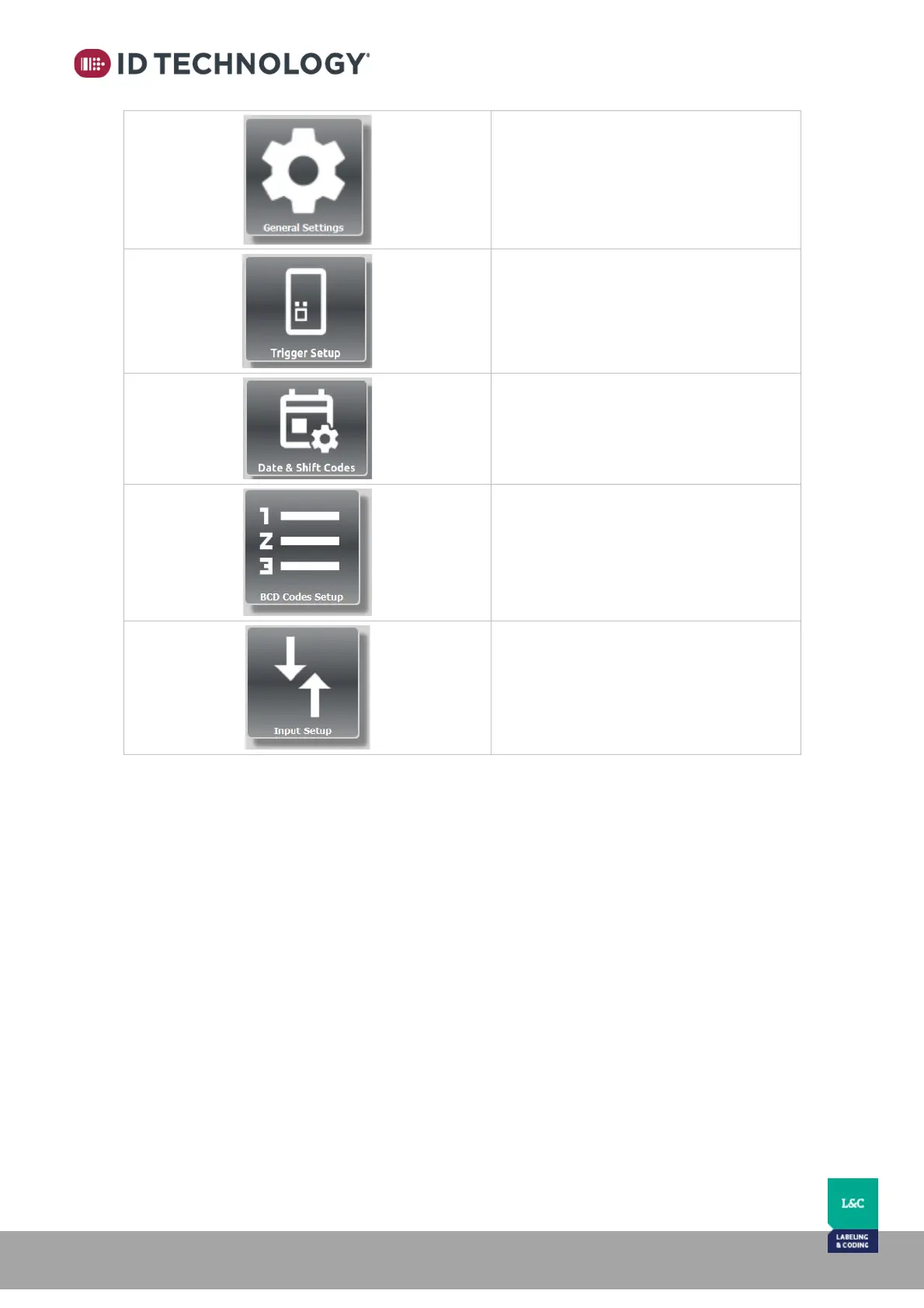
General Settings:
Displays firmware versions.
Language, adjust date and time, change
user access level and restore HMI or
Printer to factory defaults (restore is for
admin only).
Trigger Setup:
Allows you to set up the number of prints
per trigger signal and the print delays.
Date & Shift Codes:
Allows customization and creation of
specific date and time codes for shifts.
BCD Codes Setup:
Lets you assign the message to be printed
for each BCD number.
Input Setup:
Shows the settings options available for
inputs.



 To Next Page