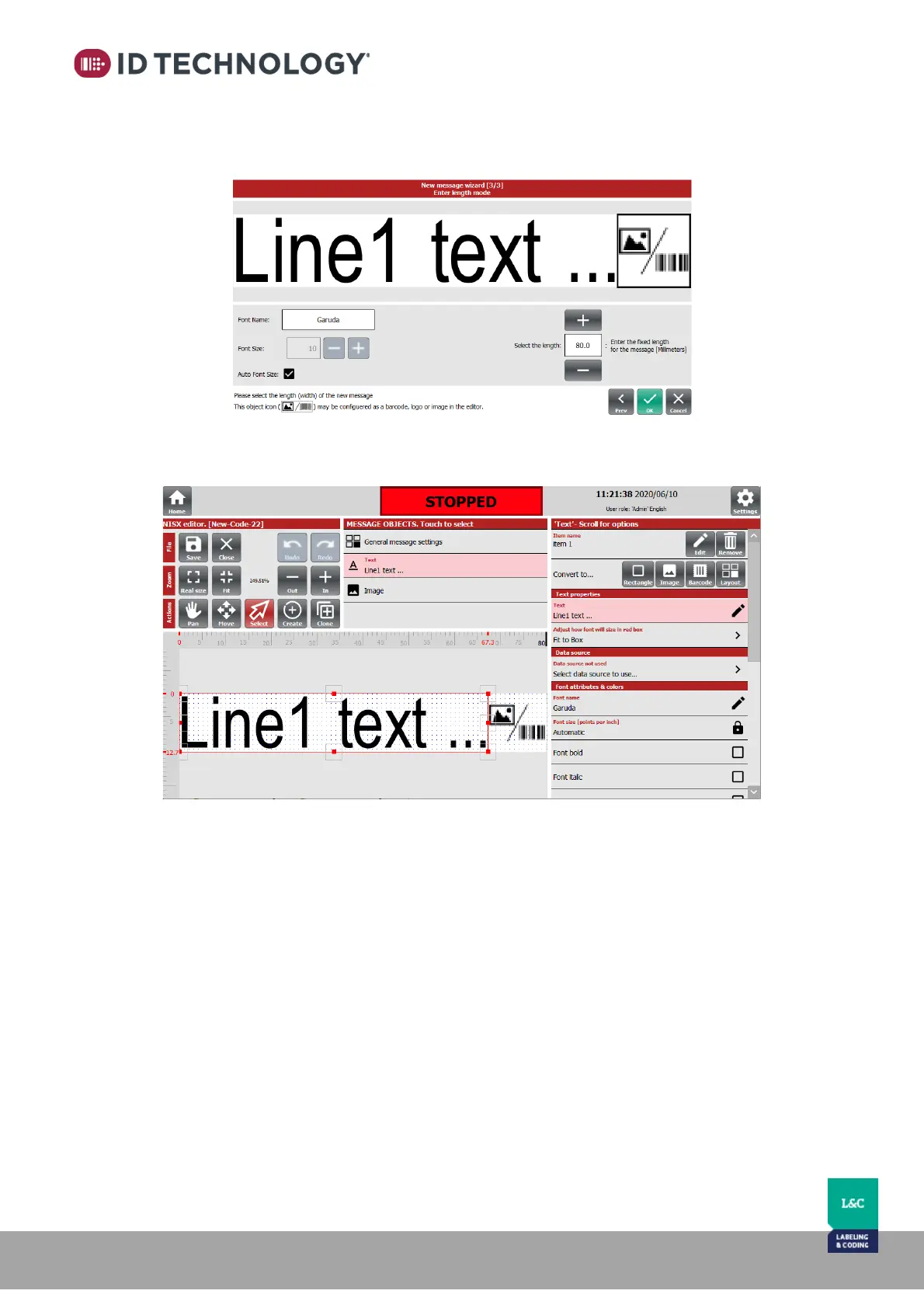
fills the entire screen, so the measurements are not shown in real size. You may also select the
font you wish to start with and the font size. If you select the “auto font size” box, the font will
automatically adjust to fill the entire field and will continue adjusting as you add more text.
Once the creation wizard is finished, the message editor will open and let you make any changes
or customization.



 To Next Page