xii iDirect Evolution 8000 Series Satellite Router Installation and Safety Manual
Document Conventions
• Chapter 4, Installing Your e8350 Satellite Router details procedures for installing the
e8350 Satellite Router.
• Chapter 5, iCONNEX e800 Physical Interfaces describes in detail the physical interfaces
for the iCONNEX e800.
• Chapter 6, Configuring the iCONNEX e800 as a Mobile Remote describes how to configure
the iCONNEX e800 for mobile operation.
• Appendix A, Warnings for the e8350 Satellite Router describes warnings to be heeded to
prevent personal injury or equipment damage for the e8350 Satellite Router. This
information does not apply to the iCONNEX e800.
• Appendix B, Compliance for the e8350 Satellite Router provides compliance information
for the e8350 Satellite Router. This information does not apply to the iCONNEX e800.
Document Conventions
This manual is crafted with the reader in mind, providing notes, helpful tips and reminders
that assist you in the successful and safe operation of iDirect system hardware. Notes also
provide suggestions or references to material not contained in this manual.
Note: Notes such as this indicate important information that is of interest to you.
Make sure you review this information before you proceed.
Safety Definitions
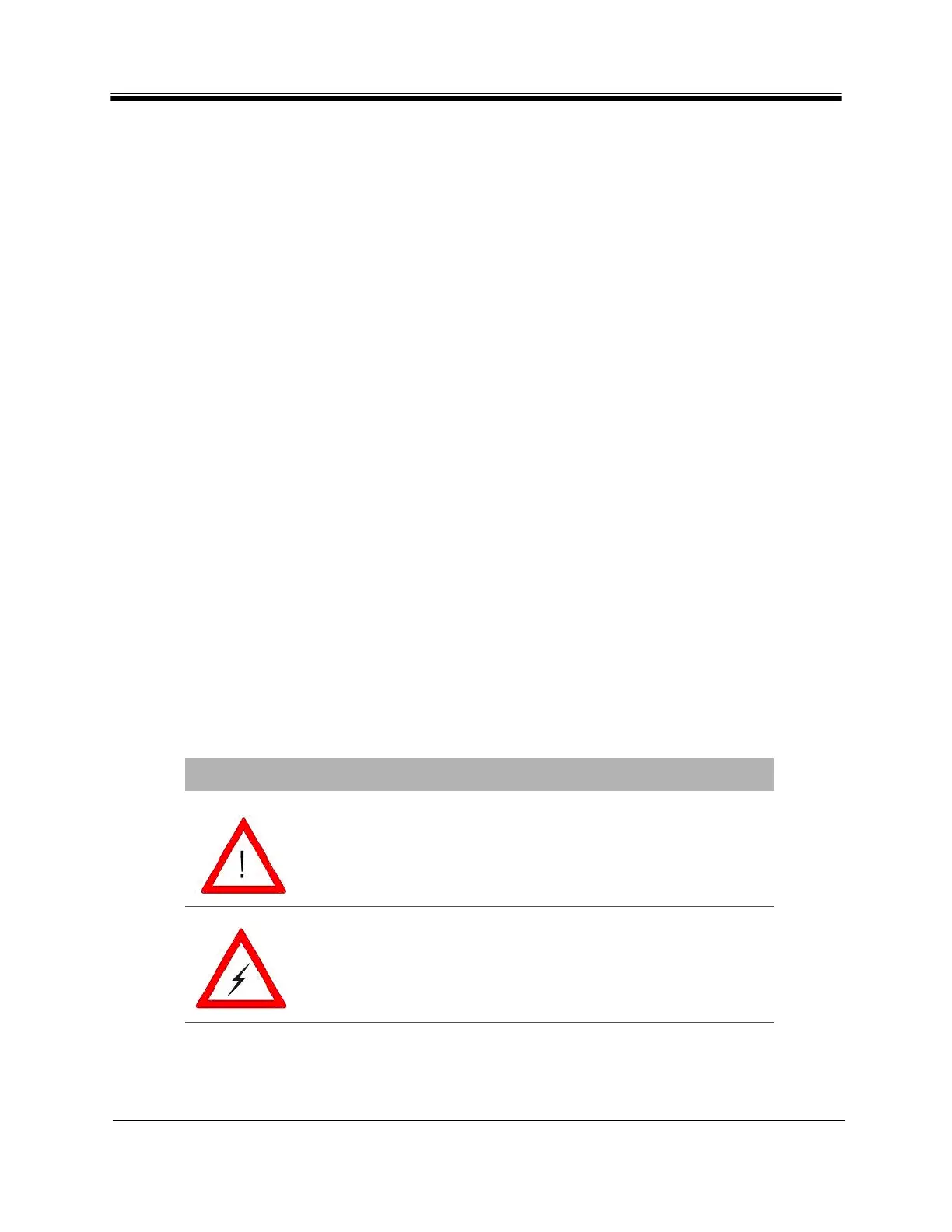
Table 1 illustrates and defines the symbols that are used throughout this manual to alert you
to possible danger or when to use caution.
Table 1. Safety Definitions
Symbol Warning type Definition
WARNING/CAUTION When you see this alert symbol and the
WARNING or CAUTION heading, strictly follow
the warning instructions to avoid personal
injury, equipment damage, or loss of data.
DANGER Electric shock hazard: When you see this
symbol and the DANGER heading, strictly
follow the warning instructions to avoid
electric shock injury.



 To Next Page