48 iDirect Evolution 8000 Series Satellite Router Installation and Safety Manual
Console Port Cables
5.3 Console Port Cables
Use the RJ-45 to RJ-45 straight cable and RJ-45 to DB-9(F) female DTE adapter to connect the
iCONNEX e800 Console Port to the PC DB-9(F) serial port running terminal emulation software.
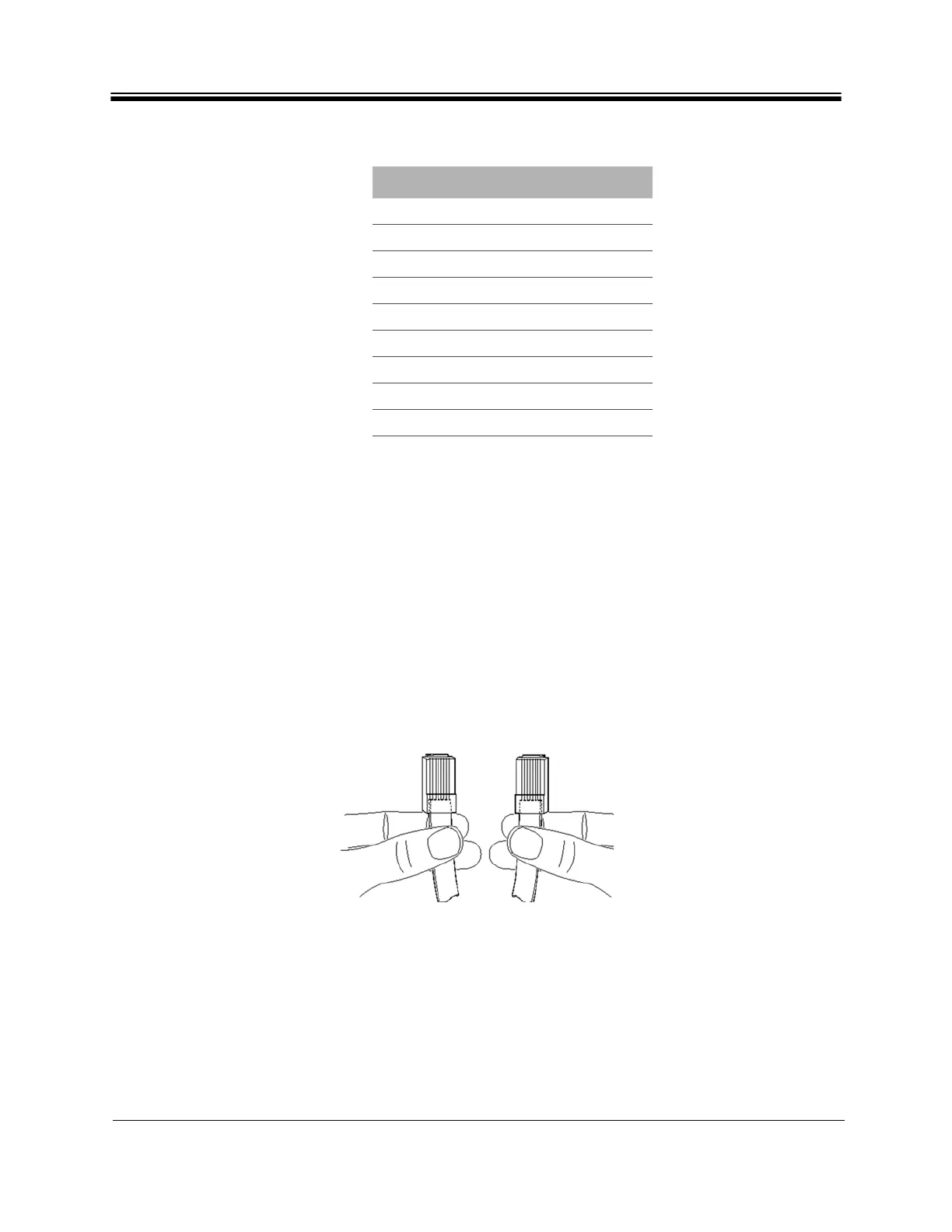
You can distinguish a straight cable from a crossover cable by comparing the two modular
connector ends of the RJ-45 cable. Holding the RJ-45 cable connectors side by side with the
tab at the back, examine the sequence of the colored wires to determine the type of RJ-45
cable as shown in Figure 24.
• Straight through: The colored wires are in the same sequence at both ends of the
cable.
• Crossover: The first (far left) colored wire at one end of the cable is the third colored
wire at the other end of the cable.
Figure 24. Examining RJ-45 Connectors
6INPUT PWR
7GROUND
8GROUND
9GROUND
10 GROUND
11 GROUND
12 GROUND
13 GROUND
14 PWR FAN STATUS
Table 21. JP18 Pin Assignments (continued)
Pin
Signal Name



 To Next Page