iDirect Evolution 8000 Series Satellite Router Installation and Safety Manual 37
Monitoring LED Status Indicators
4.7 Monitoring LED Status Indicators
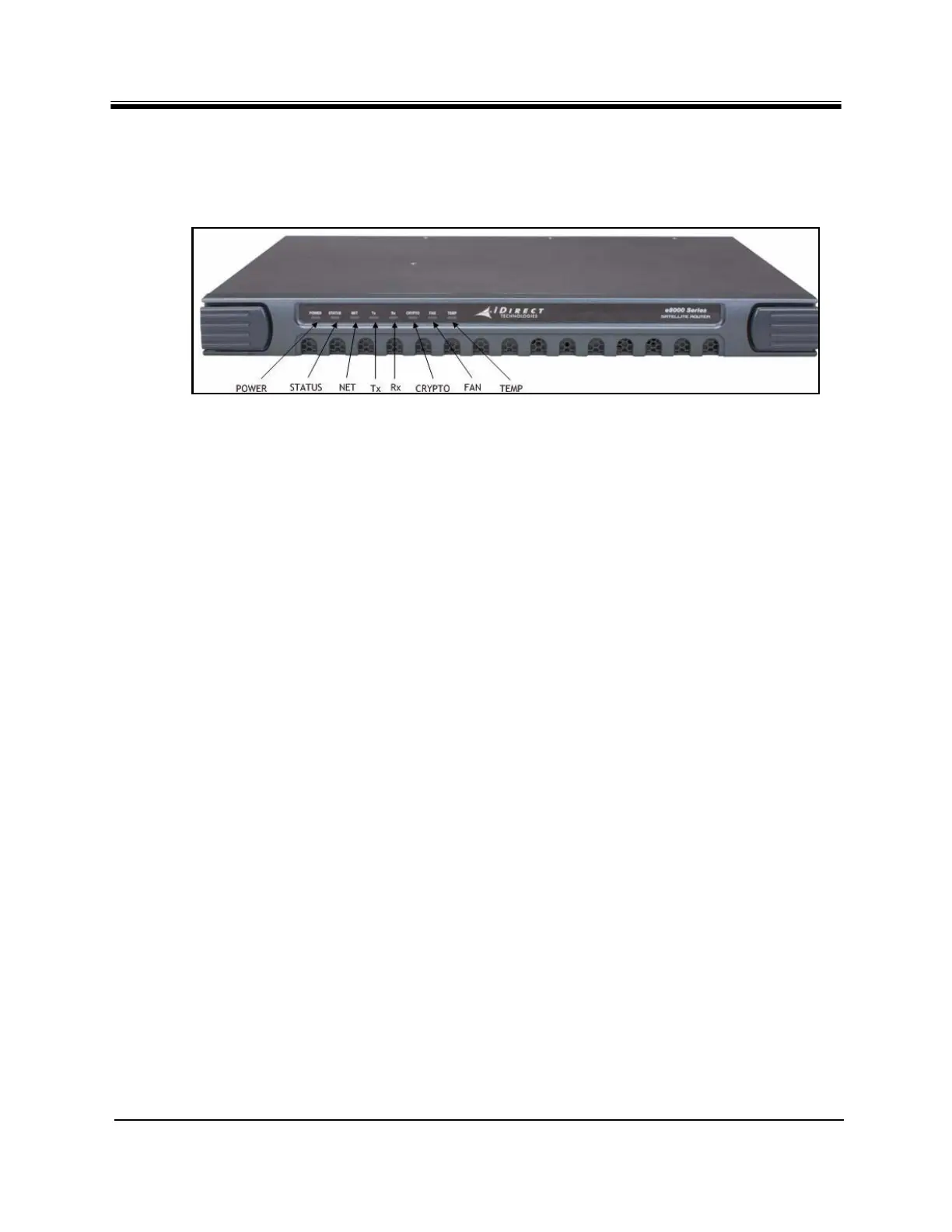
Once the e8350 Satellite Router is powered on, check the LEDs to ensure the e8350 Satellite
Router is functioning properly. The front panel indicators are shown in Figure 19.
Figure 19. Front Panel Indicators
4.7.1 Front Panel Power and Network LED Status Indicators
For diagnostic purposes, the e8350 Satellite Router has eight LED indicators located on the
front panel.
•The POWER LED indicates whether the e8350 Satellite Router is powered on or off.
•The STATUS LED indicates the overall status.
•The NET LED indicates the network acquisition status.
•The Tx LED indicates the transmitter status.
•The Rx LED indicates the receiver status.
•The CRYPOTO LED indicates when FIPS is enabled.
•The FAN LED indicates fan status.
•The TEMP LED indicates operating temperature status.



 To Next Page