iDirect Evolution X1 Outdoor Satellite Router Installation and Safety Manual 23
Installing the iDirect Evolution X1 Outdoor Satellite Router
5.4.1 Additional Components Normally Required
• An iDirect Specified L-Band cable — Consists of a RG-6 dual-coax cable and connectors,
plus type F connectors and sealant tape
• Non-Penetrating Roof Mount
• Ballast (anchor weight)
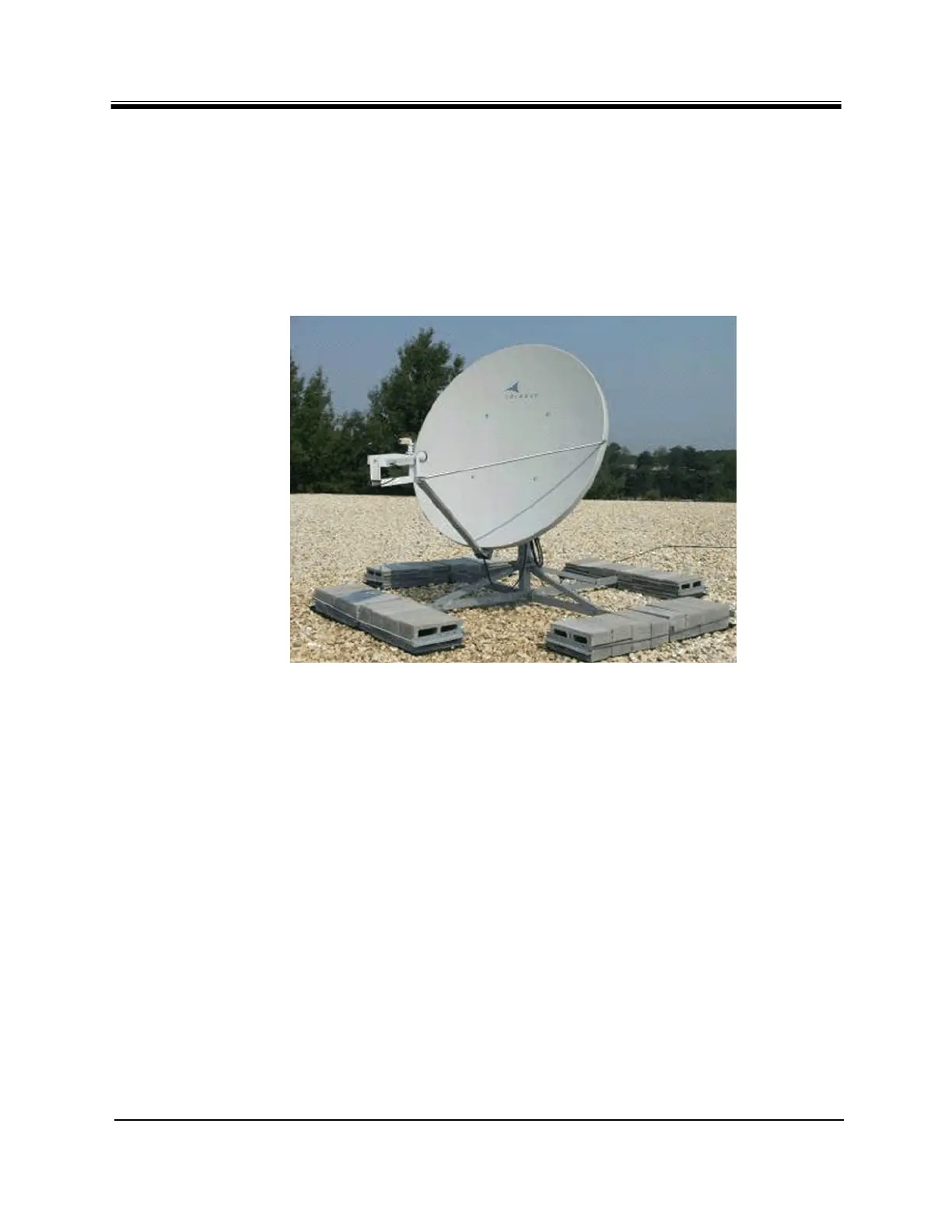
A picture of a typical antenna with BUC and LNB is shown in Figure 8.
Figure 8. Typical Antenna with BUC and LNB
Note: For instructions on installing the antenna, refer to its manufacturer's
Installation Guide
5.5 Installing the iDirect Evolution X1 Outdoor
Satellite Router
The iDirect Evolution X1 Outdoor Satellite Router can be mounted to a wall or to a pole. This
section provides details on how to accomplish the installation.
5.5.1 Pre-Installation Guidelines for Mounting Configurations
When installing the X1 Outdoor Satellite Router, follow these guidelines:
• When selecting the site, consider accessibility, availability of power, signal, network cable
connections, and the possibility of future expansion.
• Install the X1 Outdoor Satellite Router in a location where access is unobstructed.



 To Next Page