iDirect Evolution X1 Outdoor Satellite Router Installation and Safety Manual 33
Connecting the Power Module
5.10 Connecting the Power Module
This section details connecting the DC to DC power from the Power Module to the X1 Router
and connecting the AC power to the Power Module.
5.10.1 Connecting the DC power from the Power Module to the
X1 Router
Follow the steps in Table 14 on page 34 to connect the DC power cable from Power Module to
the X1 Outdoor Satellite Router.
2.
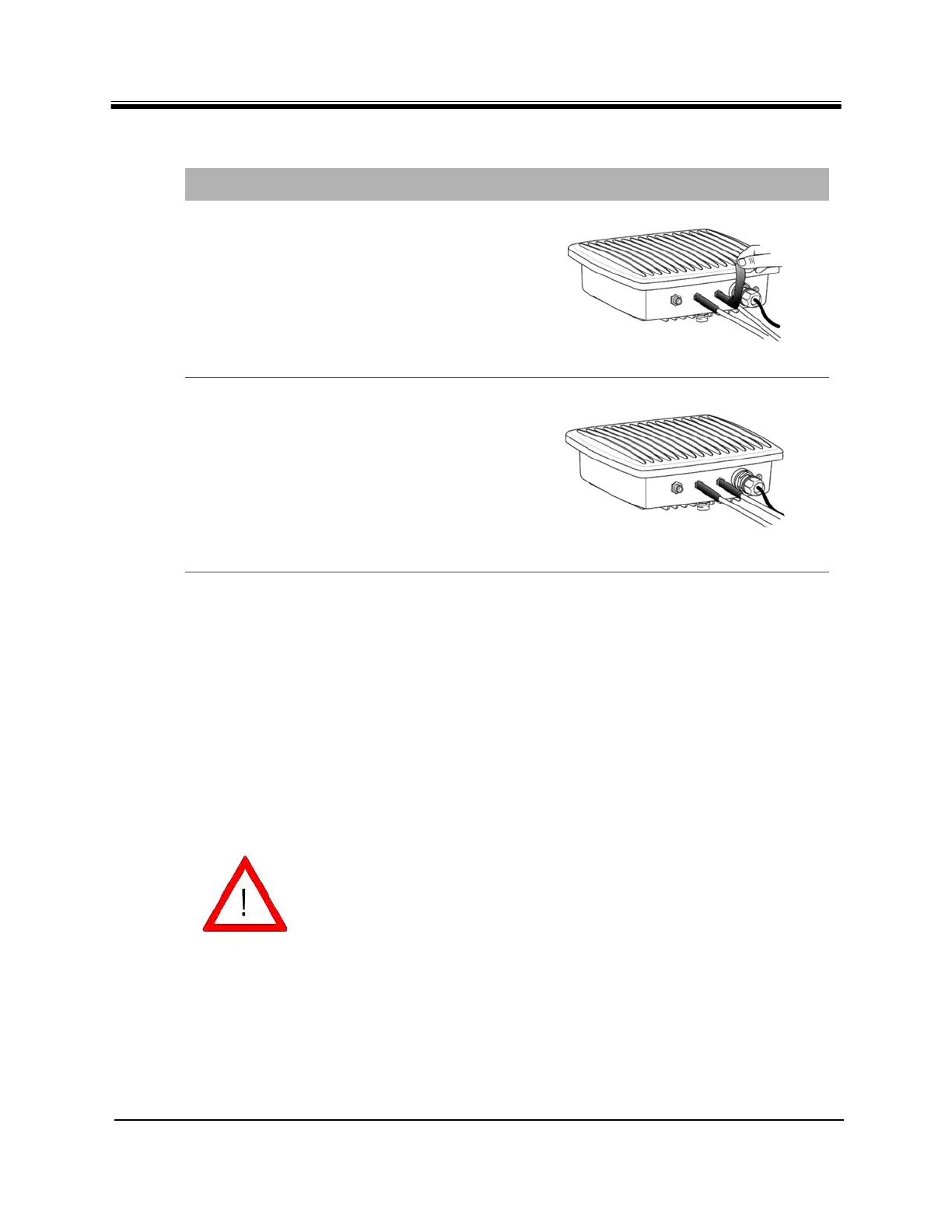
Use self-amalgamate tape over the
connectivity of connector and cable as
waterproof function, as per manufacturer’s
instructions.
3.
Repeat step 1 and step 2 for TX-out
interface.
Table 13. Coax RX and TX Cable Installation (continued)
Step Instructions Diagram
CAUTION
After tightening the power connectors, wrap
with weatherproofing tape, if necessary,
following manufacturer’s guidelines.
All cables should be installed with a drip
loop.



 To Next Page