34 iDirect Evolution X1 Outdoor Satellite Router Installation and Safety Manual
Connecting the Power Module
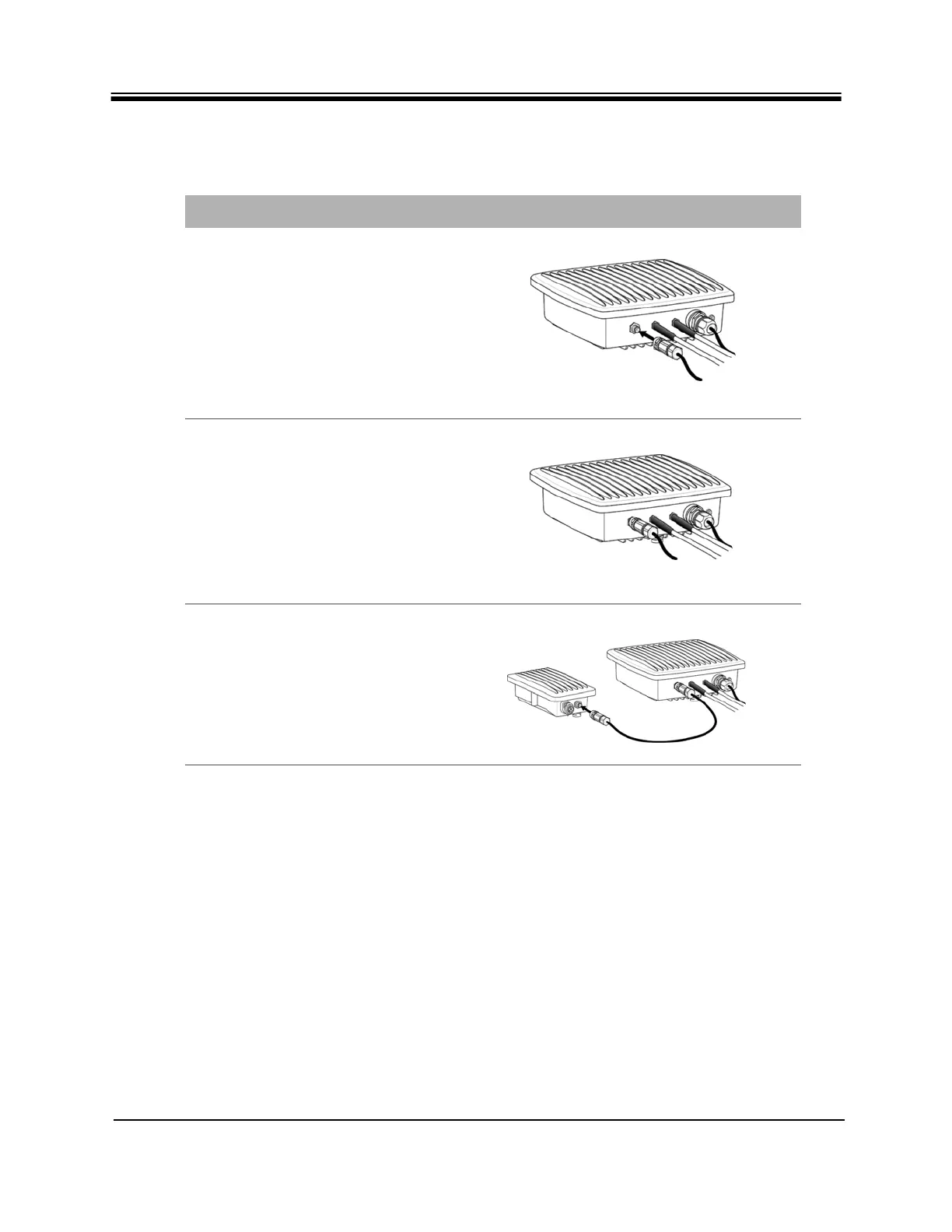
Table 14. Power Module DC Power to X1 Router DC Power Installation Instructions
Step Instructions Diagram
1.
Observe the location of the
keyway in the face of the DC input
jack. Align and insert either plug
of the DC power cable into the
jack and tighten the locking ring
snugly by hand.
2.
Router DC power connection
completed on the X1 Router.
Proceed to step 3.
3.
Lock the opposite end of the DC
power cord into the Power
Module.



 To Next Page