21
ifm Programming Manual AS-i Gateway AC14 (4.2.x) 12/2017
System configuration Configure PLC
6 System configuration
Configure PLC ........................................................................................................................................21
Configure Ethernet interface...................................................................................................................22
18498
>
6.1 Configure PLC
18961
► Familiarise yourself with the following CODESYS functions!
Generic device editor
→ Online help > CODESYS Development System > Reference user interface >
Objects> object 'device' and generic device editor
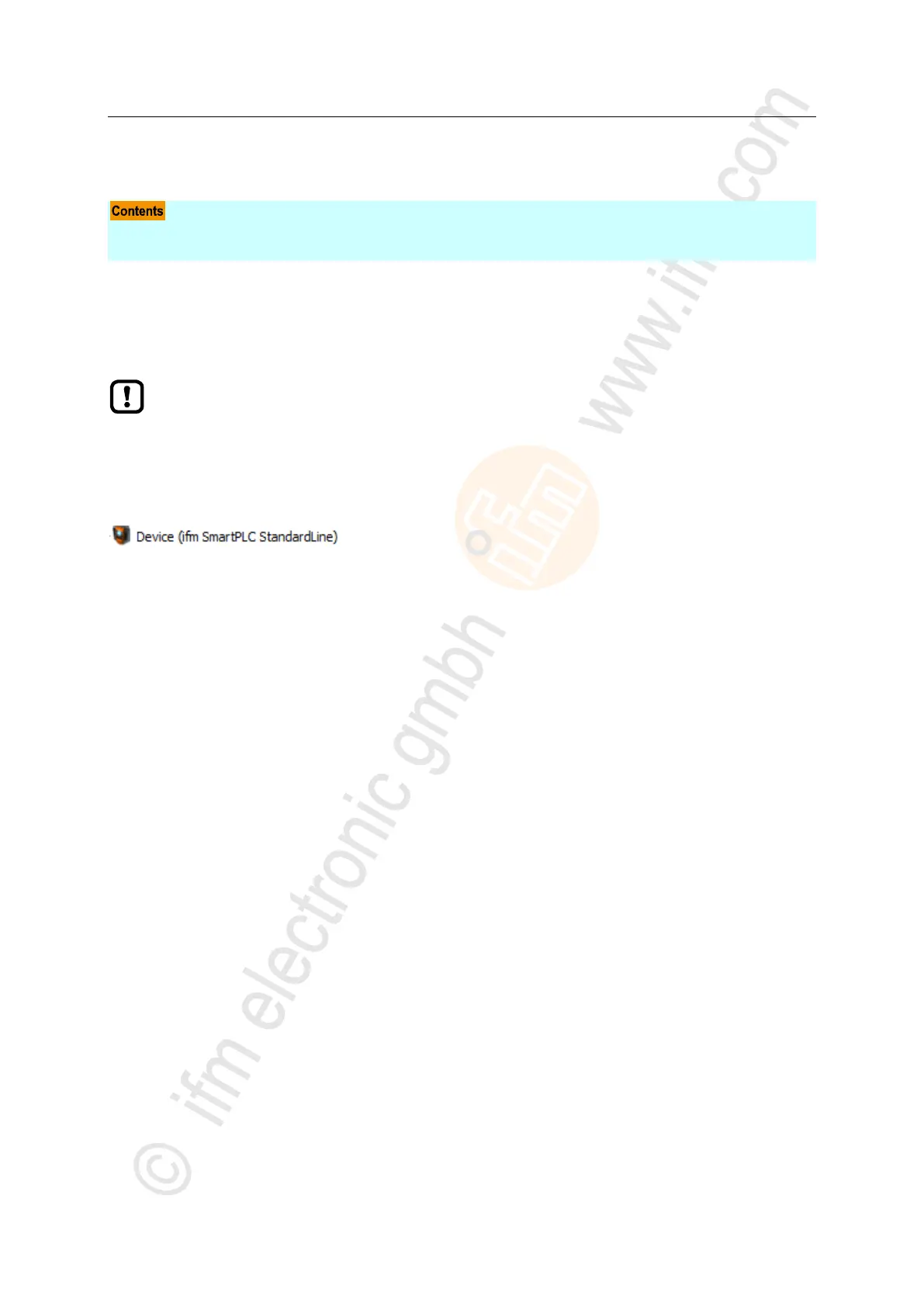
The PLC is configured via the "Generic Device Editor" of the CODESYS programming system. The
programmer can access the device editor of the PLC via the following node in the device tree:
To configure the device-internal PLC:
► In the device tree: Double-click on [ifm_SmartPLC_StandardLine]
> The editor window shows device editor of the device-internal PLC.
► Configure PLC.
► Save the project to apply changes.



 To Next Page