25
ifm Programming Manual AS-i Gateway AC14 (4.2.x) 12/2017
Programming Create PLC application
>
7.2 Create PLC application
17691
► Familiarise yourself with the following CODESYS functions!
Program application
→ Online help > CODESYS Development System > Program application
Programming reference
→ Online help > CODESYS Development System > reference programming
To create a PLC application:
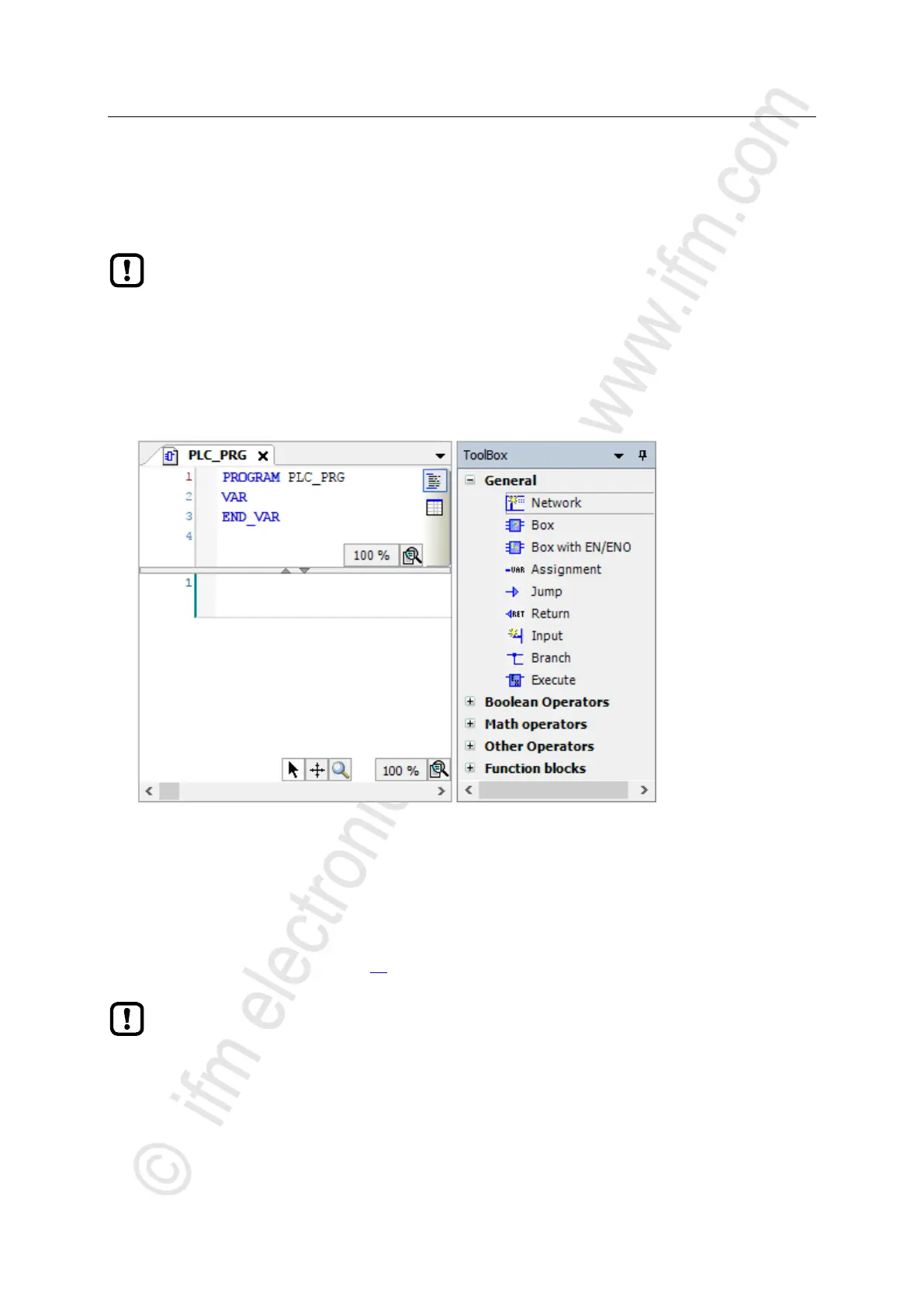
► In device tree: Double-click on [PLC_PRG (PRG)]
> The editor window shows the programming surface:
► Program the application in the editor.
>
7.2.1 Use remanent variables
18522
The PLC of the device supports the use of remanent variables. Variables declared as VAR RETAIN
are stored in a memory area that is also maintained when the device is switched off.
The declaration of a variable as RETAIN also influences its behaviour when the PLC application is
reset (→ Supported reset variants (→ p. 54)).
The memory area for RETAIN variables comprises 4072 bytes.
► Pay attention to the maximum size of the RETAIN memory area when declaring RETAIN
variables!



 To Next Page