49
ifm Programming Manual AS-i Gateway AC14 (4.2.x) 12/2017
Operation Transfer CODESYS project to device
>
8.1.1 Activate CODESYS PLC
17692
To enable the processing of the created PLC application, the device-internal CODESYS PLC must be
activated in the setup menu of AS-i Gateway AC14.
If the PLC application is to have a write access to the outputs of the AS-i slaves, the CODESYS PLC
must be activated additionally as controller instance of the AS-i slave outputs.
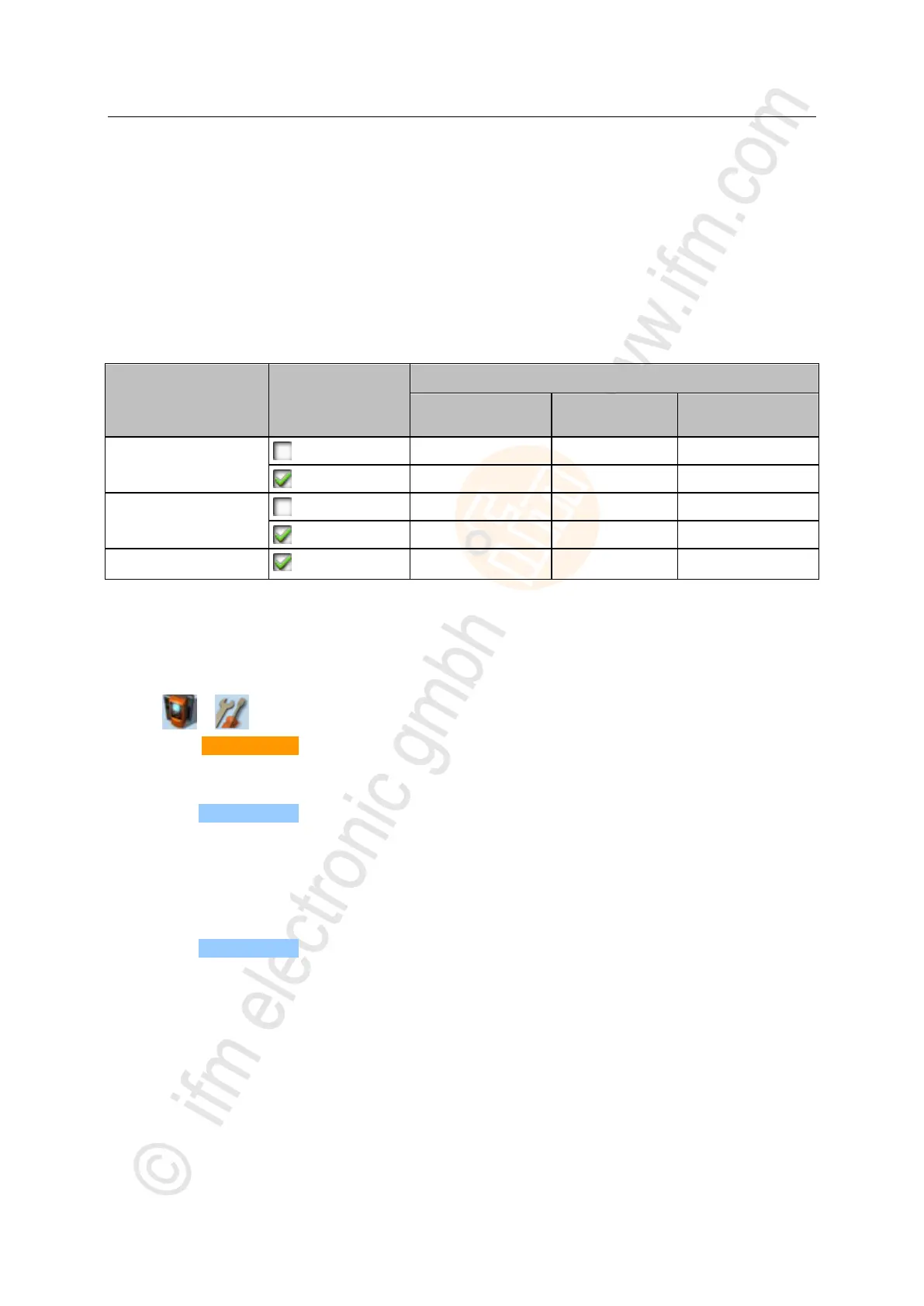
The following table shows the possible combinations of the parameters [Output access] and [Use PLC]
as well as the rights of the CODESYS PLC resulting thereof.
To set the operating mode of the device:
1 Select menu page
► >
► Select [System settings] tab.
2 Set the controller instance of the outputs
► Select the requested controller instance of the AS-i outputs in the [Output access] list.
► Press [Accept selection] to activate the selection.
3 Activate CODESYS PLC
► Activate [Use PLC] checkbox.
> CODESYS PLC is active.
4 Optional: Adjust device cycle
► Select the requested device cycle time in the [Device cycle] list.
► Press [Accept selection] to activate the selected value.



 To Next Page