90 A20733 B0
Servicing
Remove and clean the head filter, then replace it.
Start the printer. The printer automatically enters "draining" mode and several cleaning,
rinsing and draining operations are performed, after which the printer stops automatically.
Validate the [Draining] function (
Fi, ) to monitor the progress of the
automatic draining cycle.
Wait until the printer stops.
Restore the initial hydraulic circuit. Unplug the printer from the mains, then disconnect the
ribbon cable from the draining tool and reconnect it to the industrial interface board.
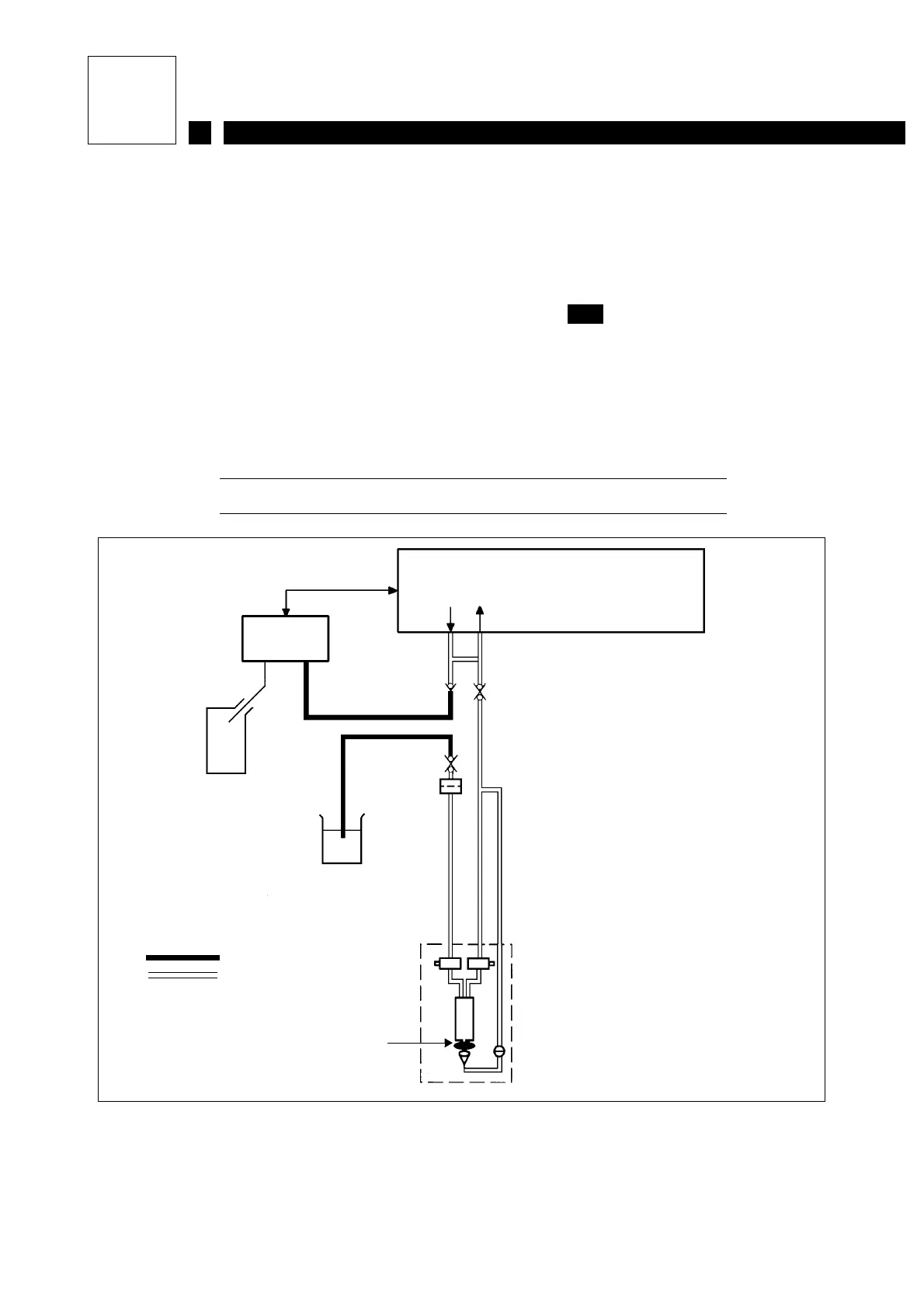
Figure 1: Hydraulic diagram
E12
Head
filter
Ink circuit
Pressure
Recup.
Ribbon
Draining / rinsing
tool
Beaker of additive
or additive tank
Anti-clogging
protector
Head
Draining tool pipe
Printer pipe
5l
tank



 To Next Page