TechDoku_CC1000_VCC1000_CC3000_VCC3000_GenPM_GB_86025010_86025110.doc
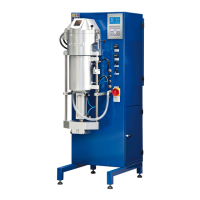
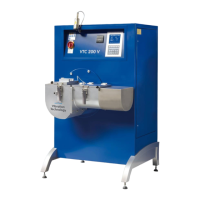
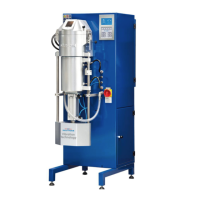
Drawing device for continuous moving down of metal. Here in
picture quattro drive
For let out condensed water in machine.
Control the process of the system. See chapter 7.4.
Enables printing of casting report, list of program parameter or full
systemparameter overview.
The press rolls are pressed with the press cylinder to the starter
bar/drawing rolls
This cylinder holds the press rolls tight to the blank (casting re-
sult).
White light for checking the casted piece right after the die.
Mains switch with
emergency stop func-
tion
Switch on and off the continuous casting machine. Immediate
interrupt of power in emergency.
Slide for closing the die
(option)
With this slide the die will be closed after the casting process.
When there is no slide you should close the die with the starter
bar.


 To Next Page