Operating
Selecting an aspect ratio
IN5122: AUTO ó 16:10 ó 16:9 ó 4:3
IN5124: AUTO
ó
NATIVE
ó
16:10
ó
16:9
ó
4:3
Note: For a LAN, USB TYPE A or USB TYPE B port input, or
if there is no signal
IN5122: 4:3 (xed)
IN5124: 16:10 (xed)
• The AUTO mode keeps the original aspect ratio of the signal.
1.
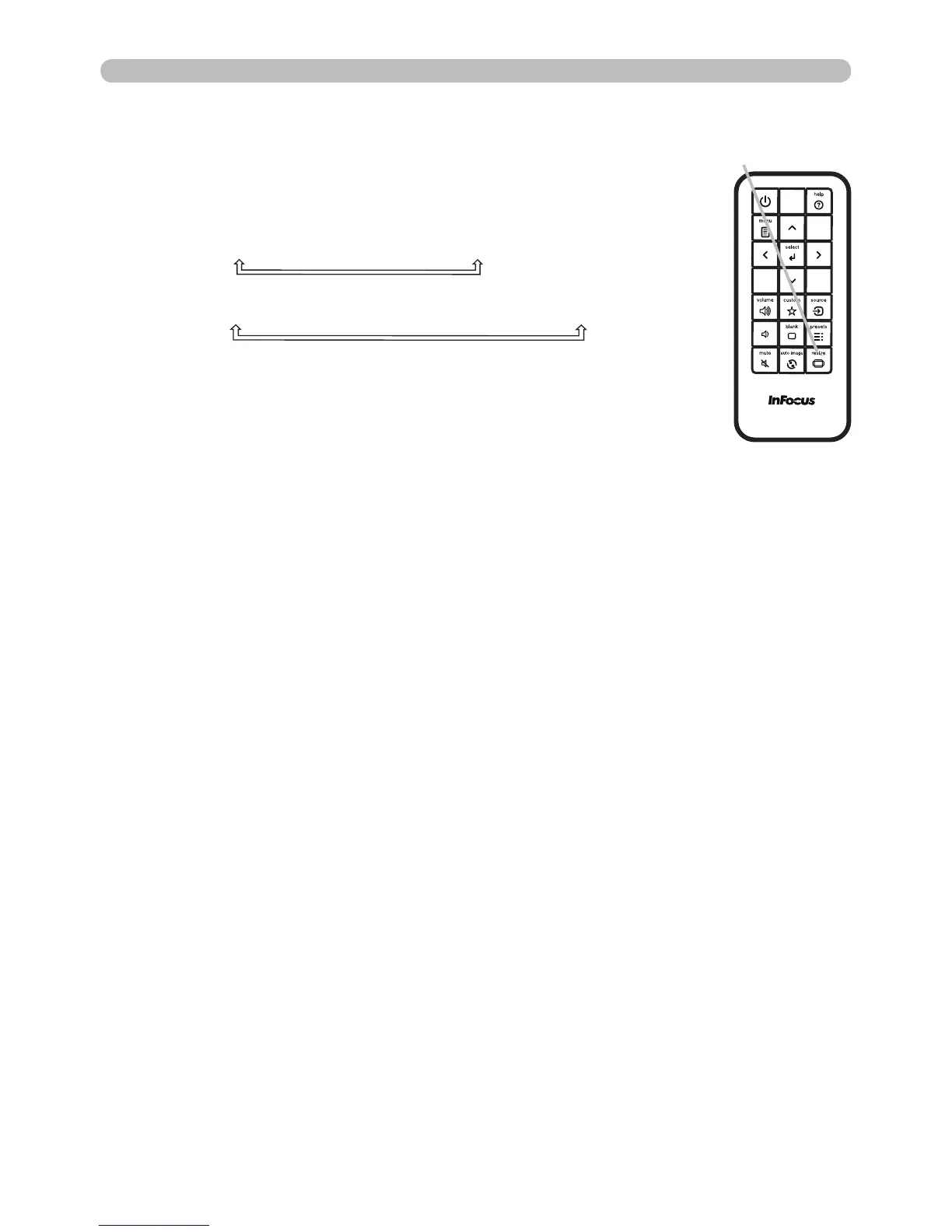
Press the RESIZE button on the remote control.
Each time you press the button, the projector switches the
aspect ratio mode as per below.
RESIZE button



 To Next Page