IMAGE menu
IMAGE menu
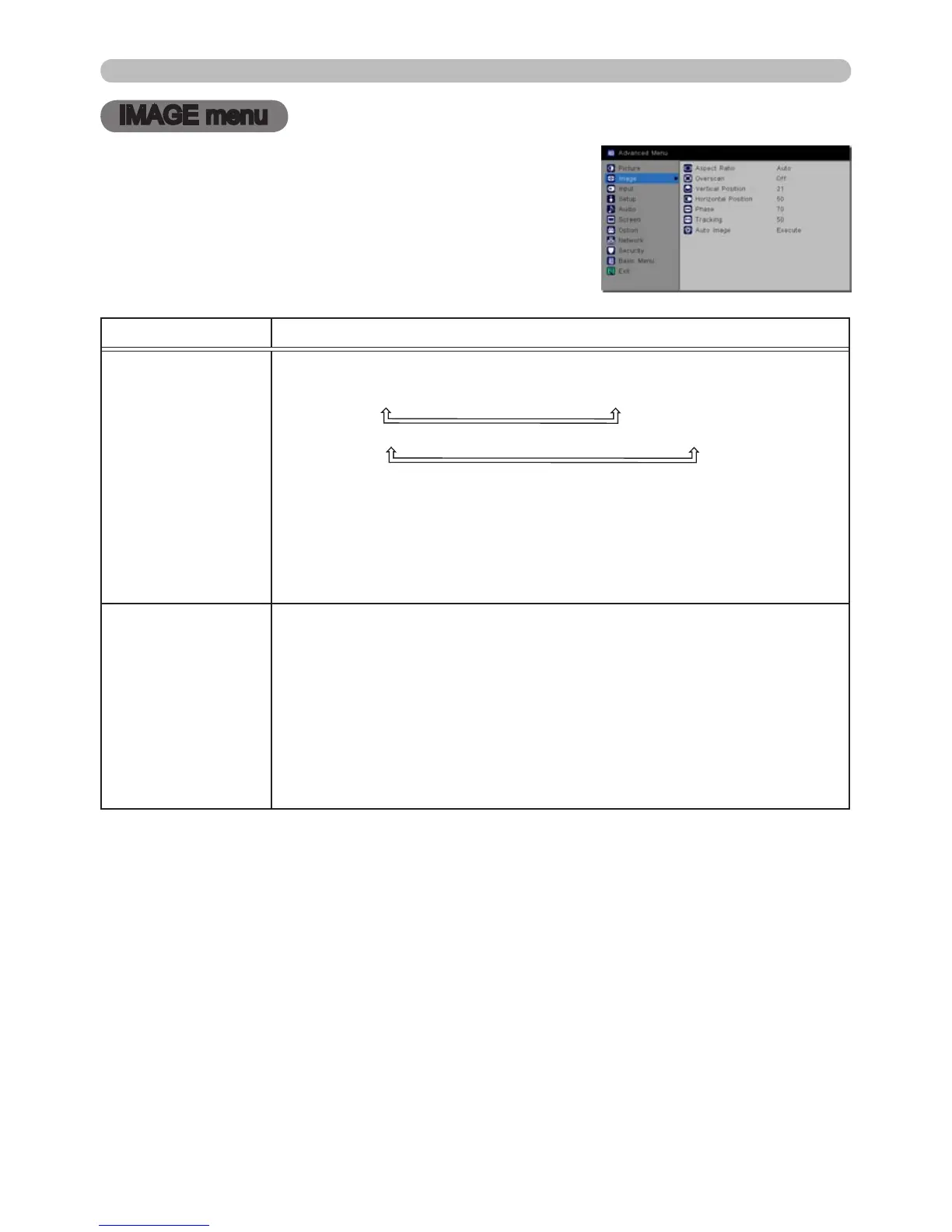
From the IMAGE menu, the following items shown in
the table below can be performed.
Highlight an item using the ▲/▼ cursor buttons,
and press the ► cursor button or SELECT button
to select the item. And then make changes per the
following table.
Item Description
ASPECT RATIO
Using the ▲/▼ buttons switches the mode for aspect ratio.
IN5122: AUTO
ó
16:10
ó
16:9
ó
4:3
IN5124: AUTO
ó
NATIVE
ó
16:10
ó
16:9
ó
4:3
Note: For a LAN, USB TYPE A or USB TYPE B port input, or if
there is no signal
IN5122: 4:3 (xed)
IN5124: 16:10 (xed)
• The AUTO mode keeps the original aspect ratio of the signal.
OVERSCAN
Using the ◄/► buttons adjusts the overscan ratio.
CROP
ó
ZOOM
ó
OFF
• This item can only be selected for a video, S-video and component
video signal.
• For an HDMI™ signal, this item can also be selected if either (1)
or (2) applies.
(1) HDMI FORMAT has been set to VIDEO in the INPUT menu.
(2) HDMI FORMAT has been set to AUTO in the INPUT menu, and
the projector recognizes the HDMI™ video signal.
(continued on next page)



 To Next Page