PC-LESS Presentation (continued)
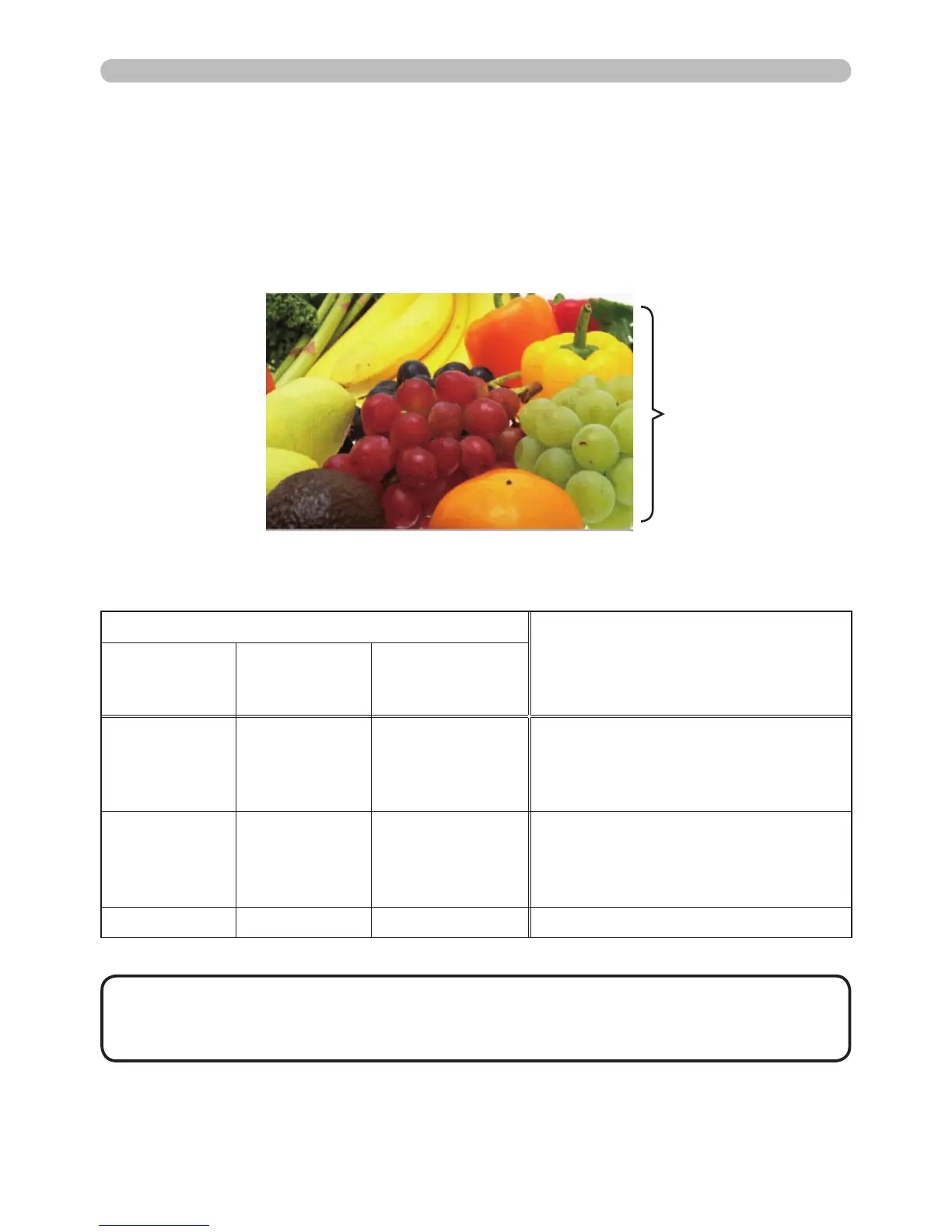
The Full Screen mode shows a full display image. To display in Full Screen mode,
select an image in the Thumbnail screen. Then press the SELECT button on the
remote control or the SOURCE button on the keypad, or click [SELECT] on the
Web Remote Control.
Full Screen Mode
Button operation
Features
The remote
control
The keypad
on the
projector
Web Remote
in web browser
software.
▼
►
or
PAGE DOWN
▼
or
►
▼, ►
or
PAGE DOWN
Shows the next image.
▲
◄
or
PAGE UP
▲
or
◄
▲, ◄
or
PAGE UP
Shows the previous image.
SELECT SOURCE SELECT Displays the Thumbnail.
•
These options are not available when the projector OSD is displayed.
• You cannot change input ports using the SOURCE button when the Thumbnail
screen, Slideshow, or Full Screen is displayed.
NOTE
The following features can be supported in the Full Screen mode.
Full screen display



 To Next Page