Using the menu features (continued)
3.
To close the MENU, press the MENU button again or select EXIT and press
the ◄ cursor button or SELECT button. Even if you do not do anything, the
dialog will automatically disappear after about 30 seconds.
● Some features cannot be performed when a certain input port is selected,
or when a certain input signal is displayed.
● In the ADVANCED MENU, when you want to return to the previous display,
press the ◄ cursor button on the remote control.
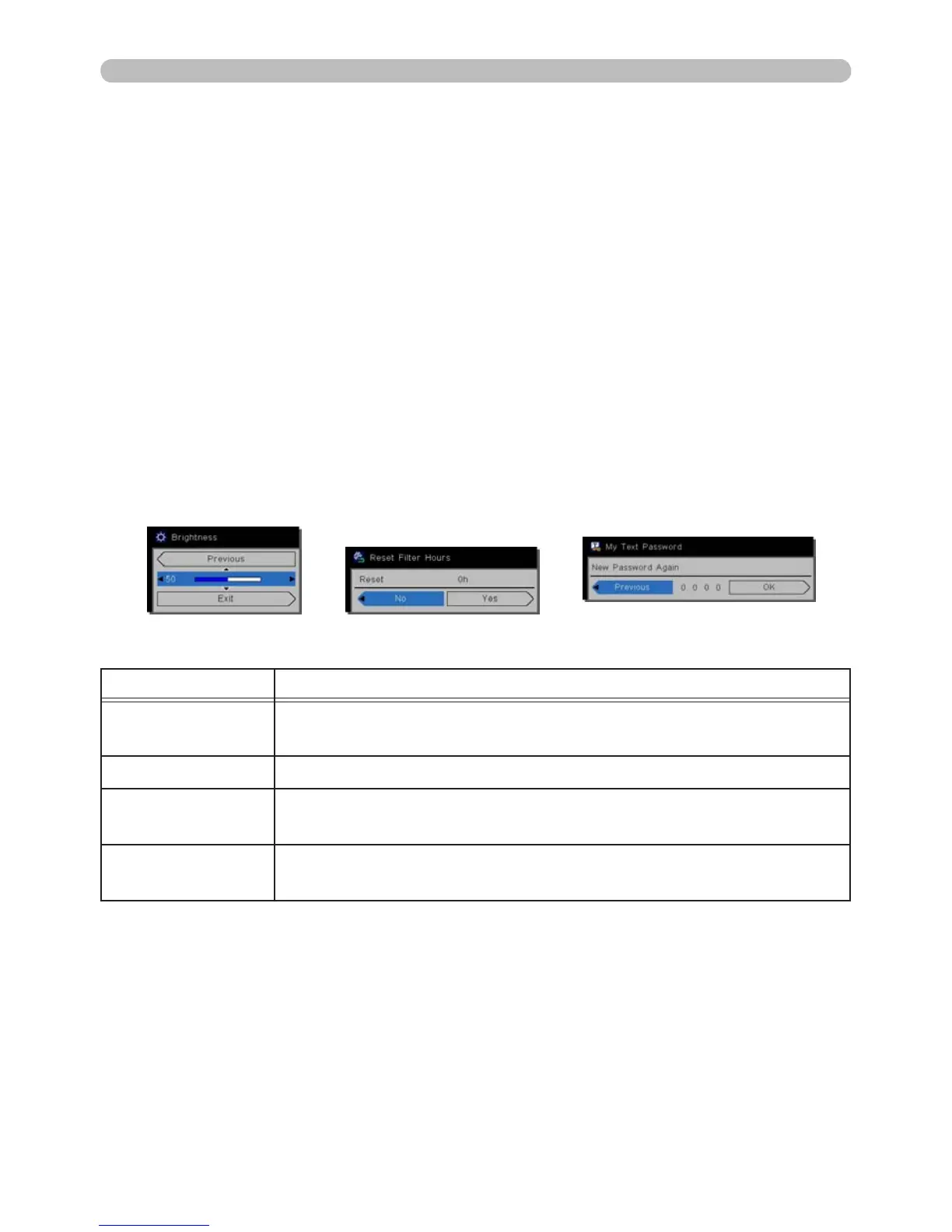
Indication in OSD (On Screen Display)
The meanings of the general words on the OSD are as follows.
Indication Meaning
EXIT
Exits the OSD menu. It is the same as pressing the MENU
button.
RETURN Returns the menu to the previous menu.
CANCEL or NO
Cancels the operation in the current menu and returns to the
previous menu.
OK or YES
Executes the adjustment or shifts the menu to the next
menu.
Operating



 To Next Page