SCREEN menu
Item Description
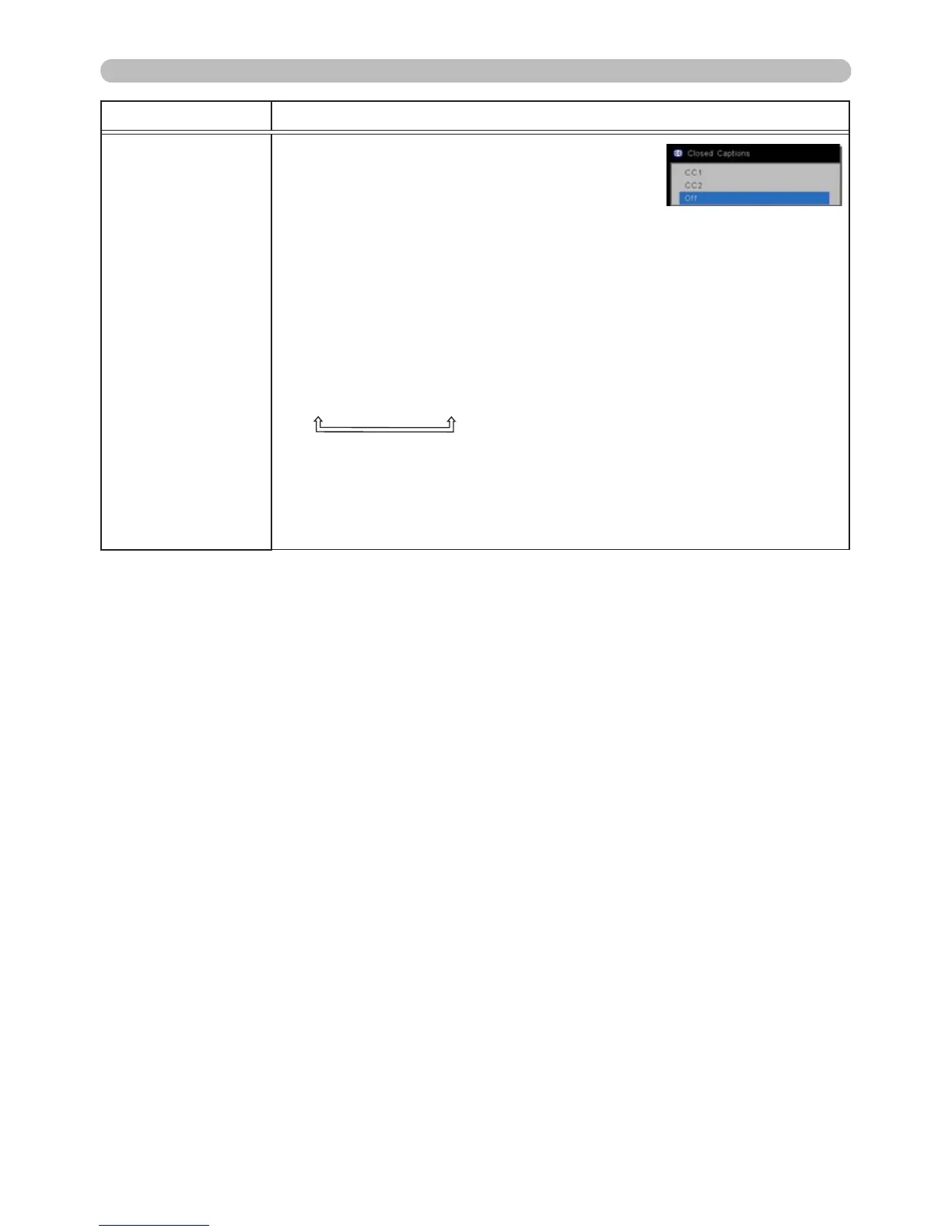
CLOSED
CAPTIONS
Closed captioning displays a transcript or
dialog of the audio portion of a video, les,
presentation or other relevant sounds. An
NTSC format video or a 480i@60 format
component video source which supports
closed captioning is required to use this
feature.
Closed captioning may not work properly, depending on equipment
or signal source. In this case, please turn CLOSED CAPTIONS off.
Select the closed captioning DISPLAY from the following options
using ▲/▼ buttons.
CC1
ó
CC2
ó
OFF
• Closed captions are not displayed when the OSD menu is active.
• Closed captioning displays the dialogue, narration, and / or sound
effects of a television program or other video sources. Closed
captioning availability depends upon the broadcaster and/or content.



 To Next Page