Item Description
SERVICE
(continued)
COMMUNICATION
(continued)
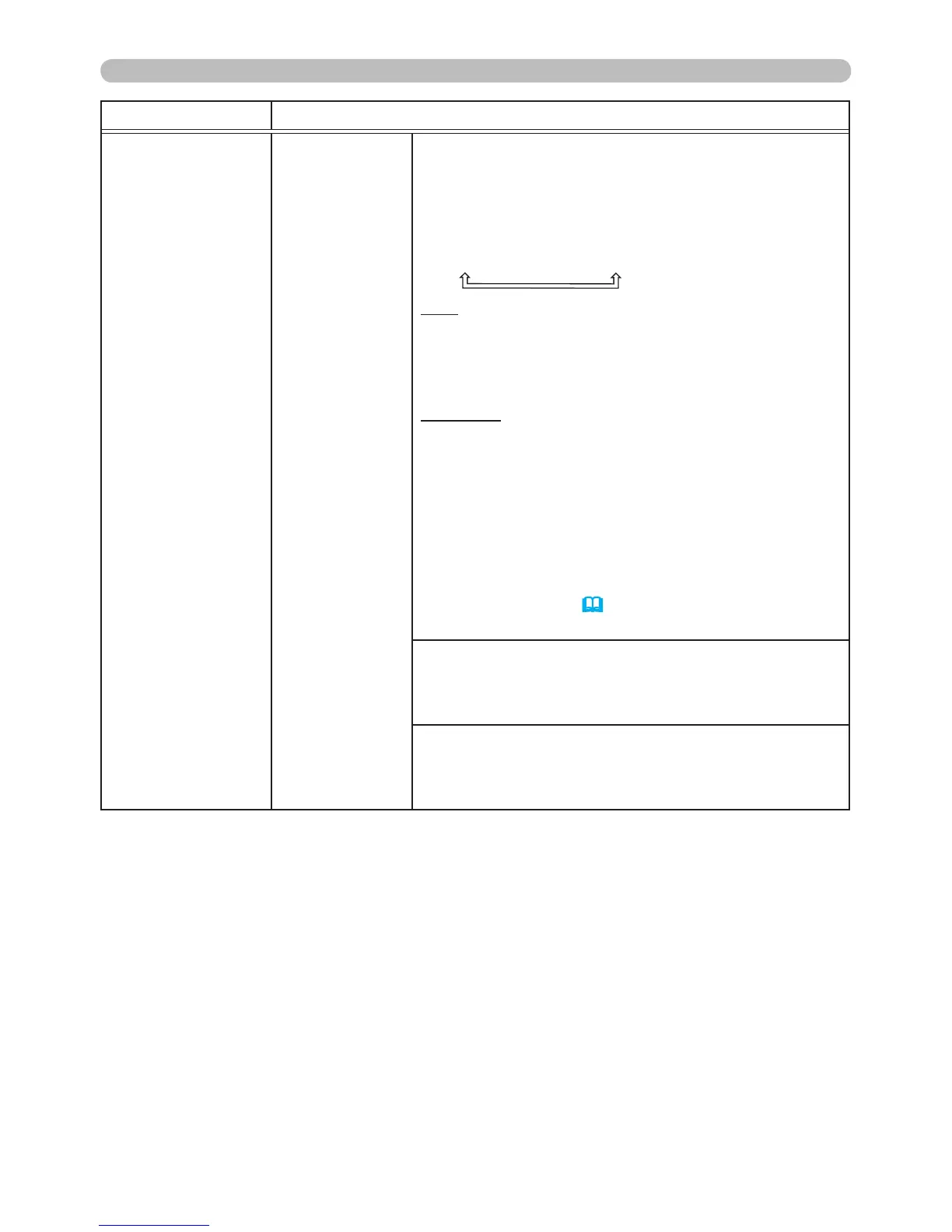
RESPONSE LIMIT TIME
Select the desired wait time for response data
from the external device communicating via the
NETWORK BRIDGE and the HALF-DUPLEX
mode through the CONTROL port.
OFF
ó
1s
ó
2s
ó
3s
OFF: Select OFF when it is not necessary to check
for responses from the external device that the
projector is sending data to. In this mode, the
projector can send data from the computer out
continuously.
1s /2s /3s: Select the time period the projector
needs to wait for responses from the external
device that it is sending data to. The projector
cannot send data from its CONTROL port to the
external device when it is waiting for responses
from the external device.
• This menu is available only when the
COMMUNICATION TYPE is set to NETWORK
BRIDGE and the TRANSMISSION METHOD is set
to HALF-DUPLEX (
54).
• OFF is the default setting.
SERIAL PORT ECHO
Controls whether the serial port echoes characters.
STACK
Selecting this item displays the STACK menu. For
more information, please see Instant Stack Guide.



 To Next Page