Item Description
NETWORK INFO
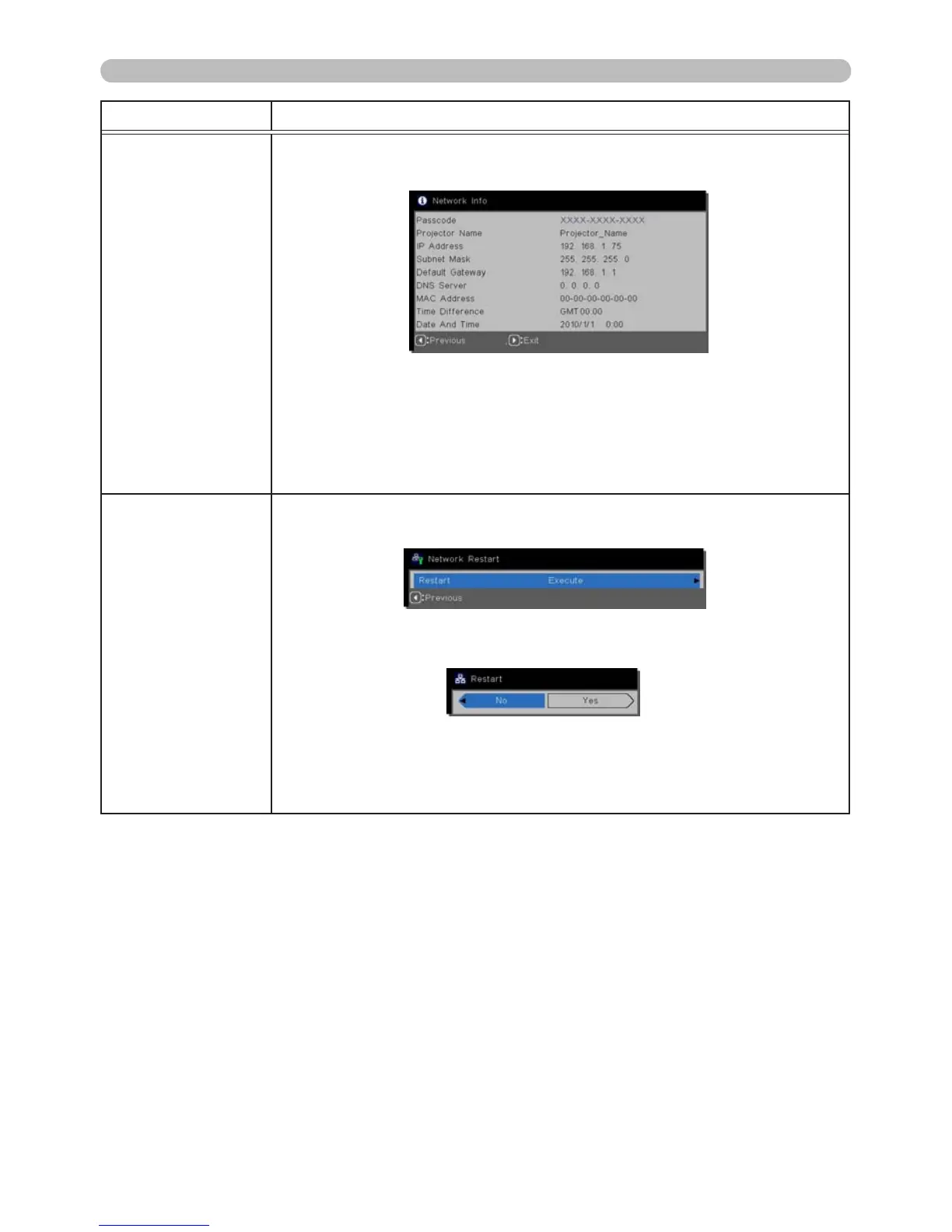
Selecting this displays the NETWORK_INFO dialog to conrm
network settings.
• For the PASSCODE details, refer to Selecting the network
connection method in the Network Guide.
• Only the first 16 characters of the projector name are displayed.
• IP ADDRESS, SUBNET MASK and DEFAULT GATEWAY indicate
“0.0.0.0” when DHCP is ON and the DHCP server has not provided
address information to the projector.
NETWORK
RESTART
Executing this item restarts and initializes the network features.
Choose the RESTART EXECUTE using the ►button.
Then use the ► button to execute.
Network communication will be cut off once restart is chosen.
If DHCP is ON, the IP address may be change.
After selecting RESTART EXECUTE, the NETWORK menu may
need up to 30 seconds to be refreshed.



 To Next Page