PC-LESS Presentation (continued)
You can play the Slideshow with your desired conguration.
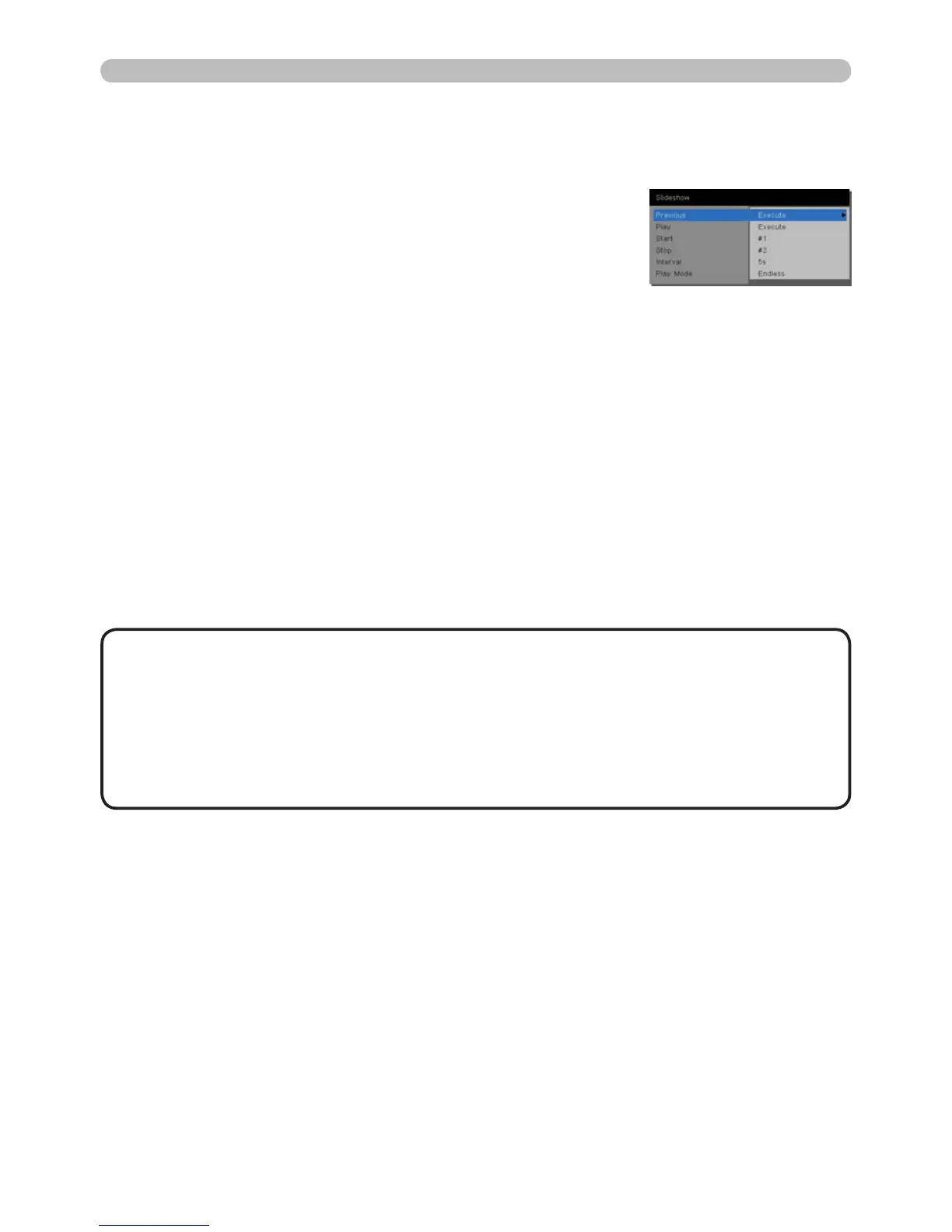
Congure the Slideshow items in the Thumbnail.
1) RETURN : Returns to the thumbnail mode.
2) PLAY : Play the Slideshow.
3) START :
Set the beginning number of the
Slideshow.
4) STOP : Set the end number of the Slideshow.
5) INTERVAL : Set the interval time of the Slideshow.
Do not set the interval time too short
(such as a few seconds), because it may
take more than few seconds to read and
display the image le if it is stored deep
in a directory structure or is there are
many les stored in the same directory.
6) PLAY MODE : Select the Slideshow mode.
ONE TIME : Play the Slideshow one
time.
ENDLESS : Play the Slideshow
repeatedly.
• The Slideshow settings are saved to the “playlist.txt” le that is stored
in the storage media. If the le does not exist, it is generated automatically.
• The settings for the START, STOP, INTERVAL, and PLAY MODE are saved to
the Playlist.
• If the storage media is write protected or the “playlist.txt” is a read-only type
le, it is impossible to change the Slideshow settings.
NOTE



 To Next Page