Message Description
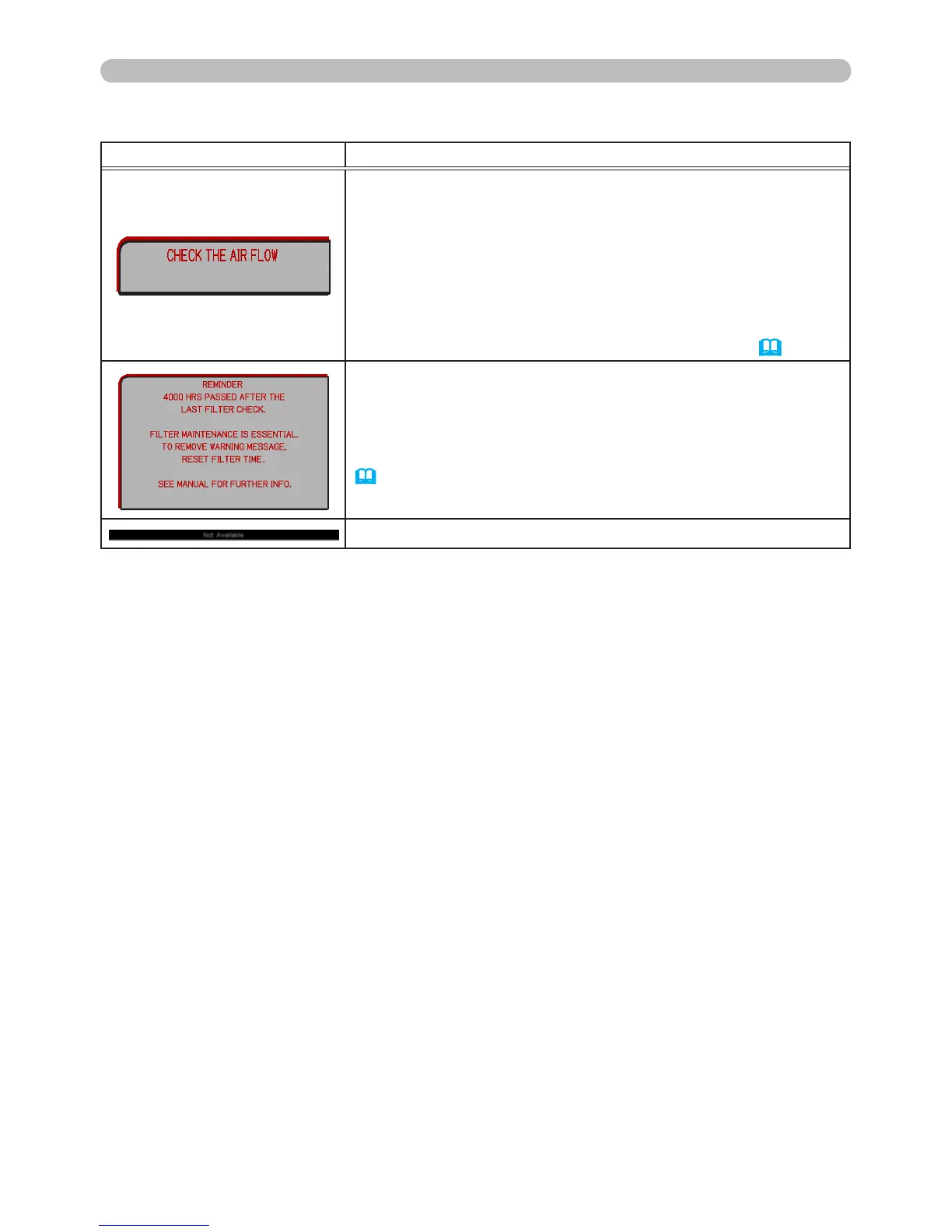
The internal temperature is rising.
Please turn the power off, and allow the projector to cool
down at least 20 minutes. After having conrmed the
following items, please turn the power ON again.
• Is anything blocking the air vents?
• Is the air lter dirty?
• Is the room temperature higher than 95°F (35°C)?
If the same indicator re-appears after xing the above,
please
review FAN SPEED HIGH in the OPTION>SERVICE menu
(
52)
.
A cautionary note when cleaning the air lter.
Please turn the power off immediately, and clean or change
the air lter (refer to the Cleaning and replacing the air
lter section of this manual). After you have cleaned or
changed the air lter, please be sure to reset the lter hours
(
52).
The button operation is not available.
Troubleshooting
Related messages (continued)



 To Next Page