LP500 Series Service Manual 36
Remove and replace the I/O EMI shield
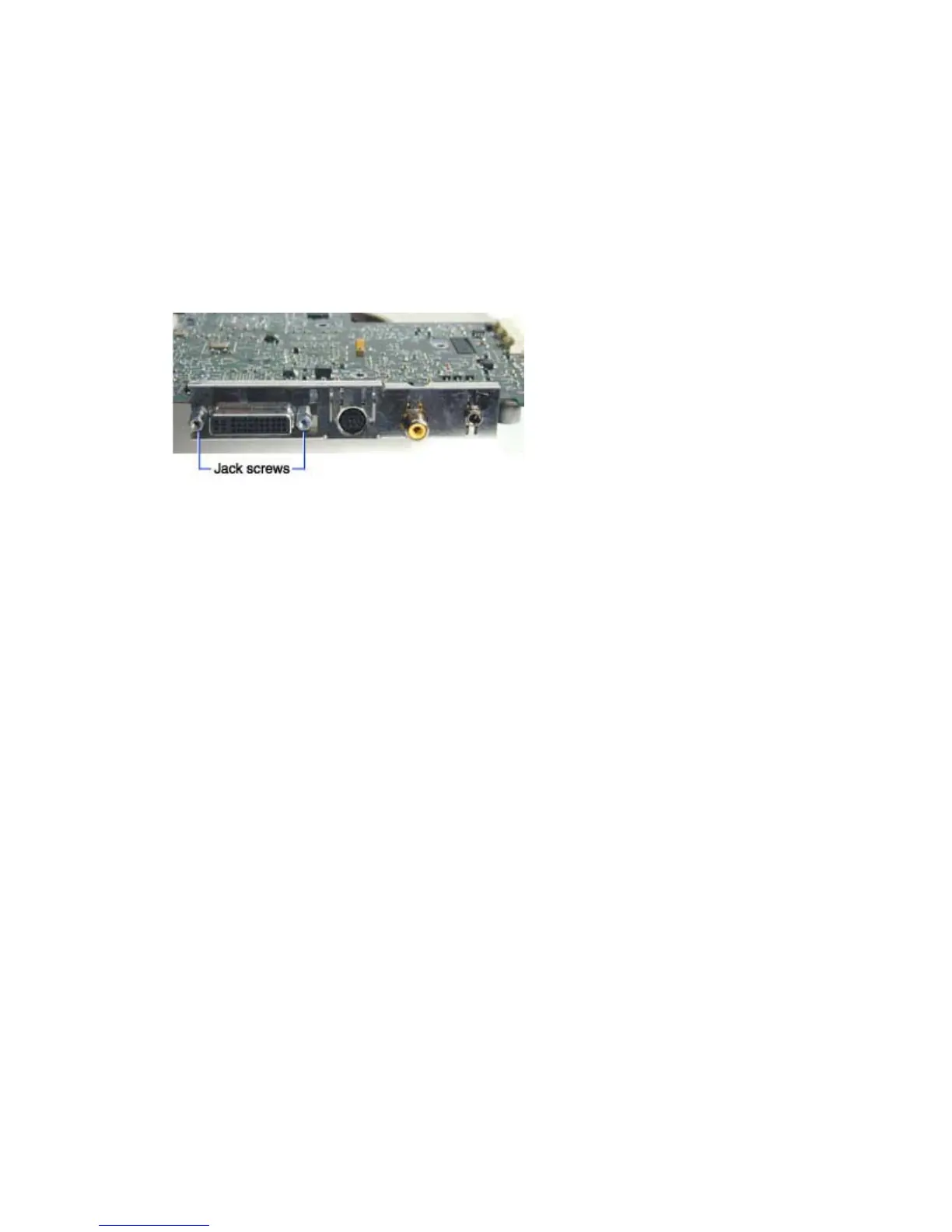
The I/O EMI shield (330-0703-xx) fits over the I/O connectors on the rear of the controller ECA. It fastens
to the controller with two jack screws.
You need to remove the controller ECA to access the I/O EMI shield.
1 Remove the Controller ECA (see page 30).
2 Remove the two 4-40 jack screws that fasten the EMI shield to the controller. The screws are
located on either side of the M1 connector.
3 Carefully pull the I/O EMI shield off of the connectors. Take care not to bend the shield or the
fingers as you work the shield off.
Assembly Notes
♦ Make sure the fingers on the shield contact the connectors.
♦ Torque the jack screws to 2 in-lbs (.226 Nm).
♦ Go to Install the controller ECA on page 33.





 To Next Page