LP500 Series Service Manual 60
Remove and replace the optical engine
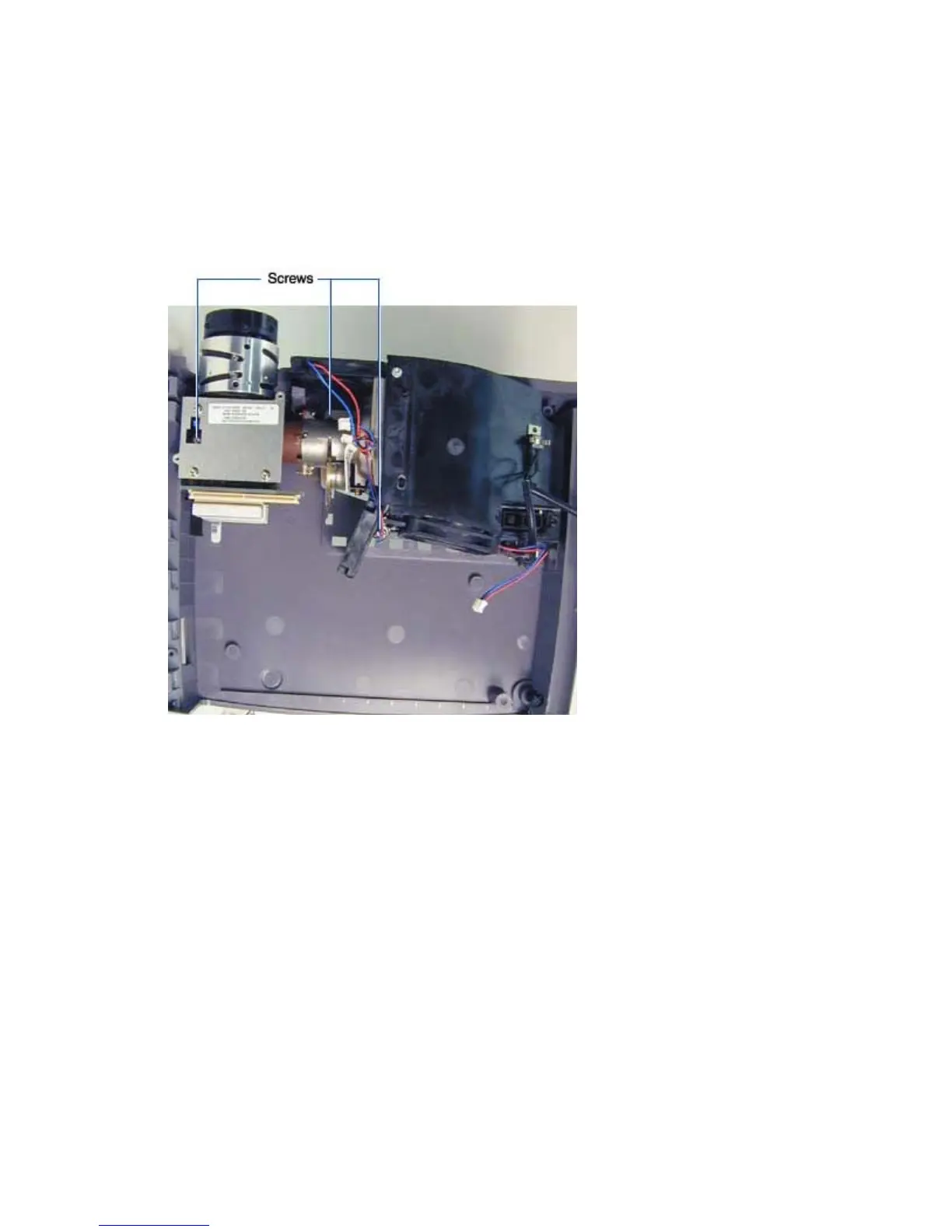
The optical engine (LP500: 505-1181-xx; LP530: 505-1180-xx) fastens to the bottom case. The engine
comprises all parts in the light path, including the lamp housing, three fans, the metal engine, and the
projection lens.
1 Remove the chassis and power supply from the bottom case (see page 39).
2 Remove the three M3x8 Plastite Torx screws that fasten the engine to the bottom case.





 To Next Page