LP500 Series Service Manual 39
Remove and replace the chassis and power supply
The metal chassis, power supply and rear bezel can be removed as one piece, providing access to the
optical engine and other parts. With these parts removed, you also have direct access to the power
supply, the power supply fuse, the power supply fan, and the interlock switch cable.
1 Remove the Controller ECA (see page 30).
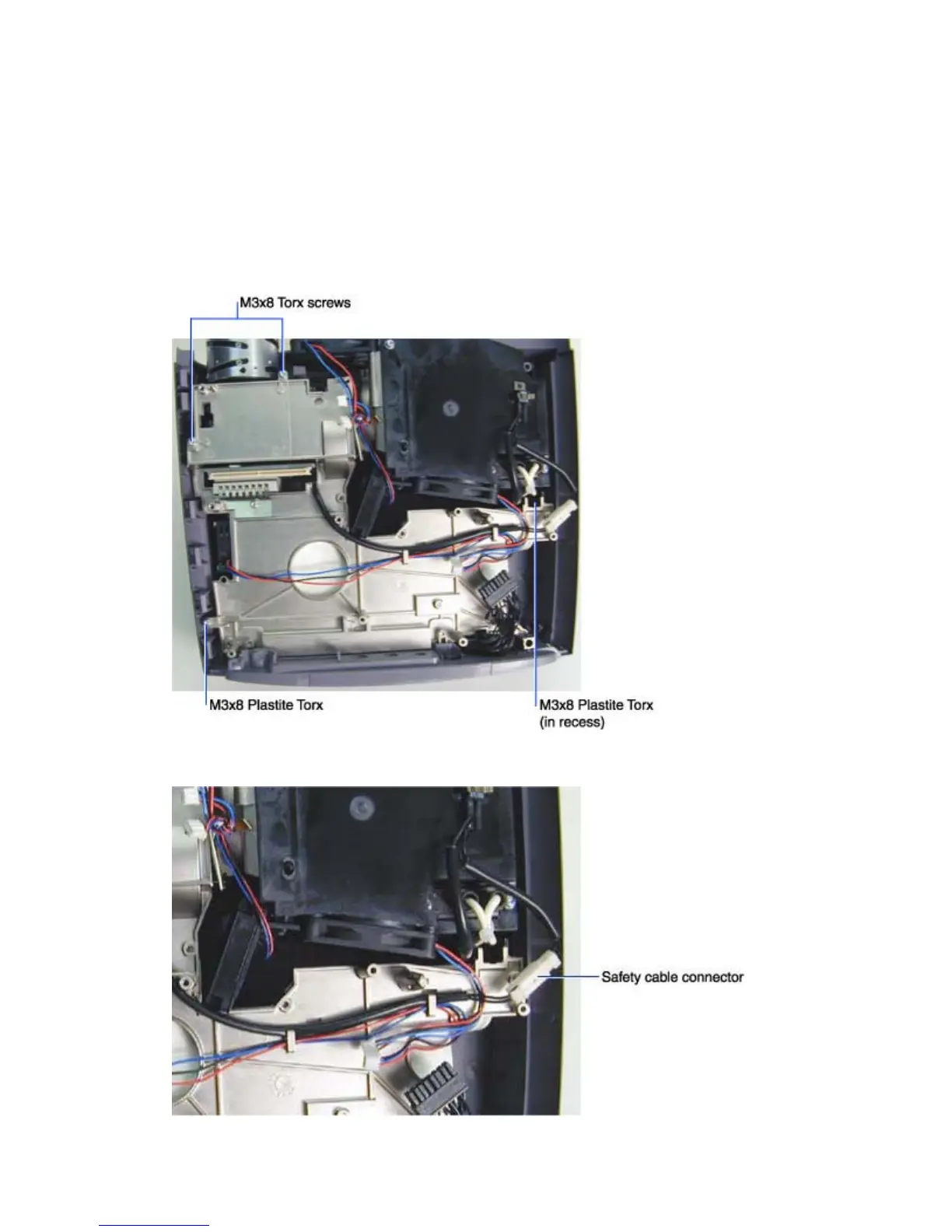
2 Use a T-10 driver to remove the two M3x8 Torx screws near the front of the chassis, and the two
M3x8 Plastite Torx screws near the rear of the chassis.
3 Unplug the white safety cable inline connector adjacent to the lamp housing.





 To Next Page