LP500 Series Service Manual 70
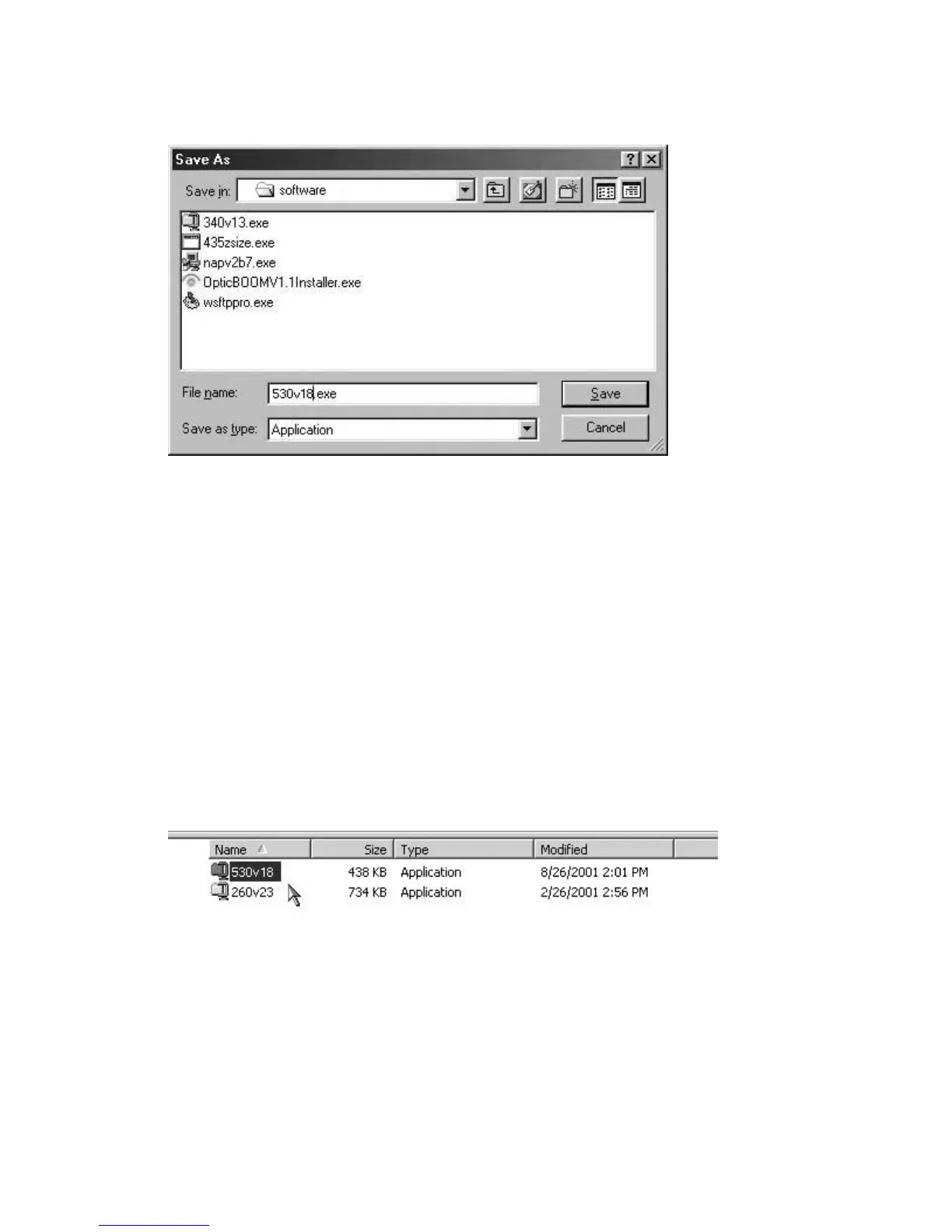
2 In the Save As dialog box, navigate to the folder in which you want to store the file, then click
OK.
The file downloads to your computer’s hard drive. Now you're ready to install the software on the
computer. You can also transfer the file to a floppy disk to use on other computers.
Install the Software on the Computer
The software you download is bundled into one .EXE file. You open the .EXE file and install the upgrade
software on the computer you plan to use to flash the projector.
The .EXE file is made of two other .EXE files. One contains the software upgrade files. The other contains
the Upgrade Utility.
1 Open Windows Explorer on your computer.
To do this, click the Start button, point to Programs, then click Windows Explorer.
2 In Windows Explorer, locate the .EXE file that contains the upgrade files. Double-click the file to
extract the contents.
The filename 530v18.exe means that this is version 1.8 of the system software for the LP530.
The version number changes each time the software is updated.





 To Next Page