LP500 Series Service Manual 71
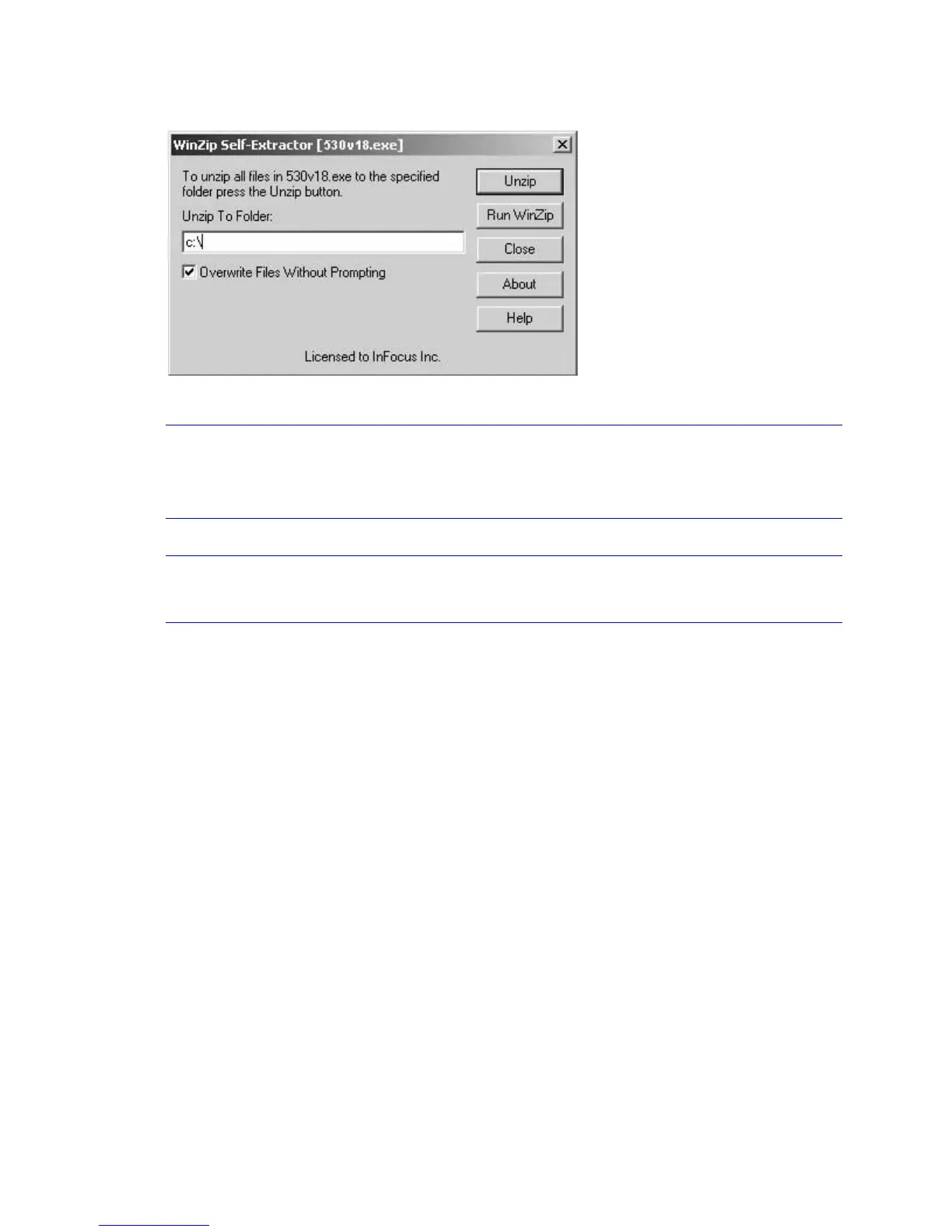
4 The WinZip Self-Extractor dialog box appears.
5 Leave the folder choice as c:\. Click Unzip. WinZip extracts the files to c:\530\v18
NOTE If you can't find the file, use the Windows Find feature to locate the file. On the Tools
menu, point to Find, then click Files or Folders. In the Find dialog box, enter the
name of the file (for example,
530v18exe
).
6 Click OK in the message box that appears, then click Close.
NOTE Follow steps five through seven if you are using Windows 98. If you are using a
computer that runs on Windows 2000, steps five through seven are not necessary.
7 In Windows Explorer, navigate to the folder C:\530\v18.





 To Next Page