LP500 Series Service Manual 27
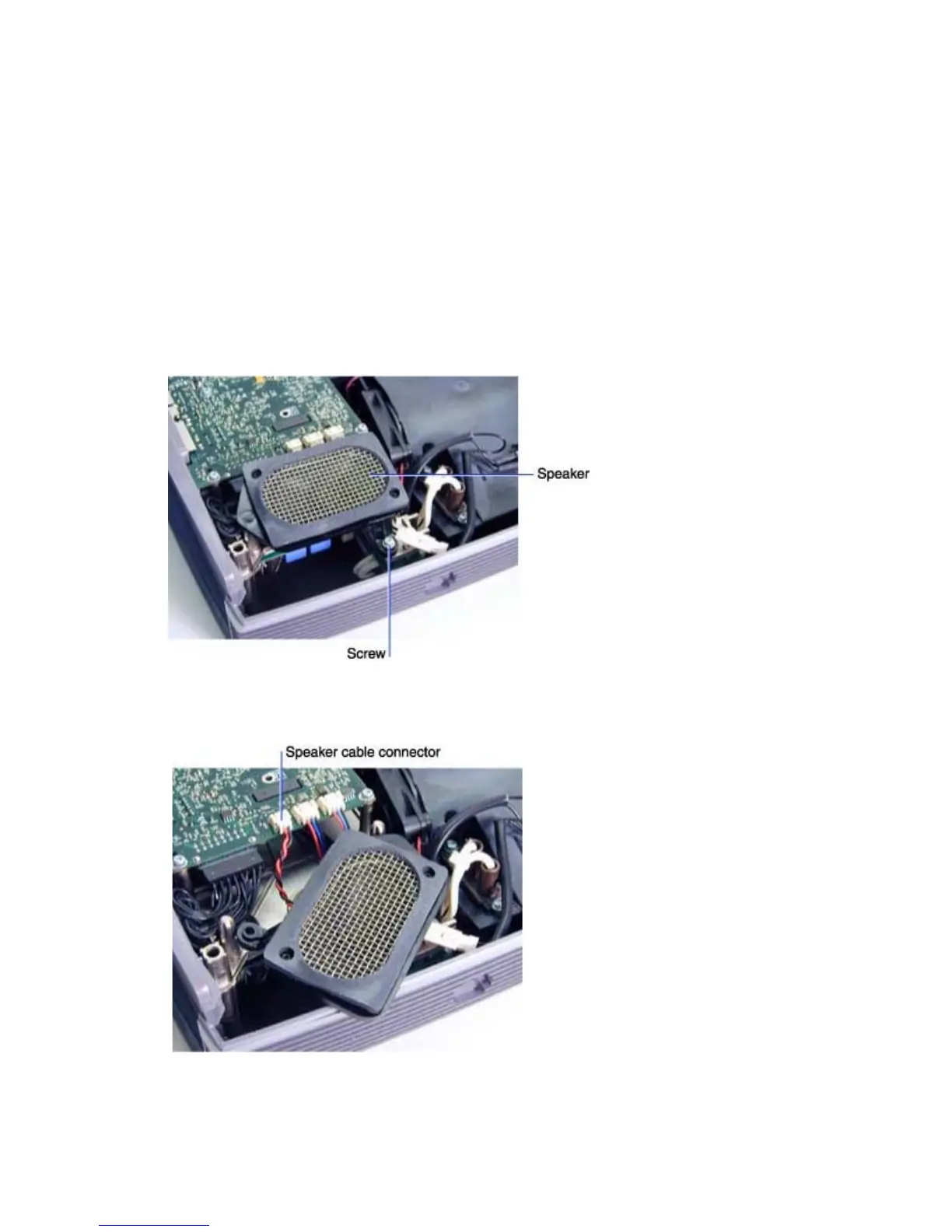
Remove and replace the speaker assembly
The speaker assembly mounts on two posts adjacent to the controller ECA. The speaker assembly
consists of the speaker (526-0081-xx), the speaker gasket (329-0276-xx), and the speaker bracket
(340-0888-xx). Each piece is available separately.
1 Remove the following items:
Front bezel and front bezel vent (see page 10)
Focus and zoom rings (see page 8)
Top case (see page 19)
2 Use a T-10 driver to remove the M3x8 Torx screw that fastens the speaker to the chassis.
3 Move the speaker assembly aside and unplug the speaker cable from its connector on the
controller ECA.





 To Next Page