LP500 Series Service Manual 83
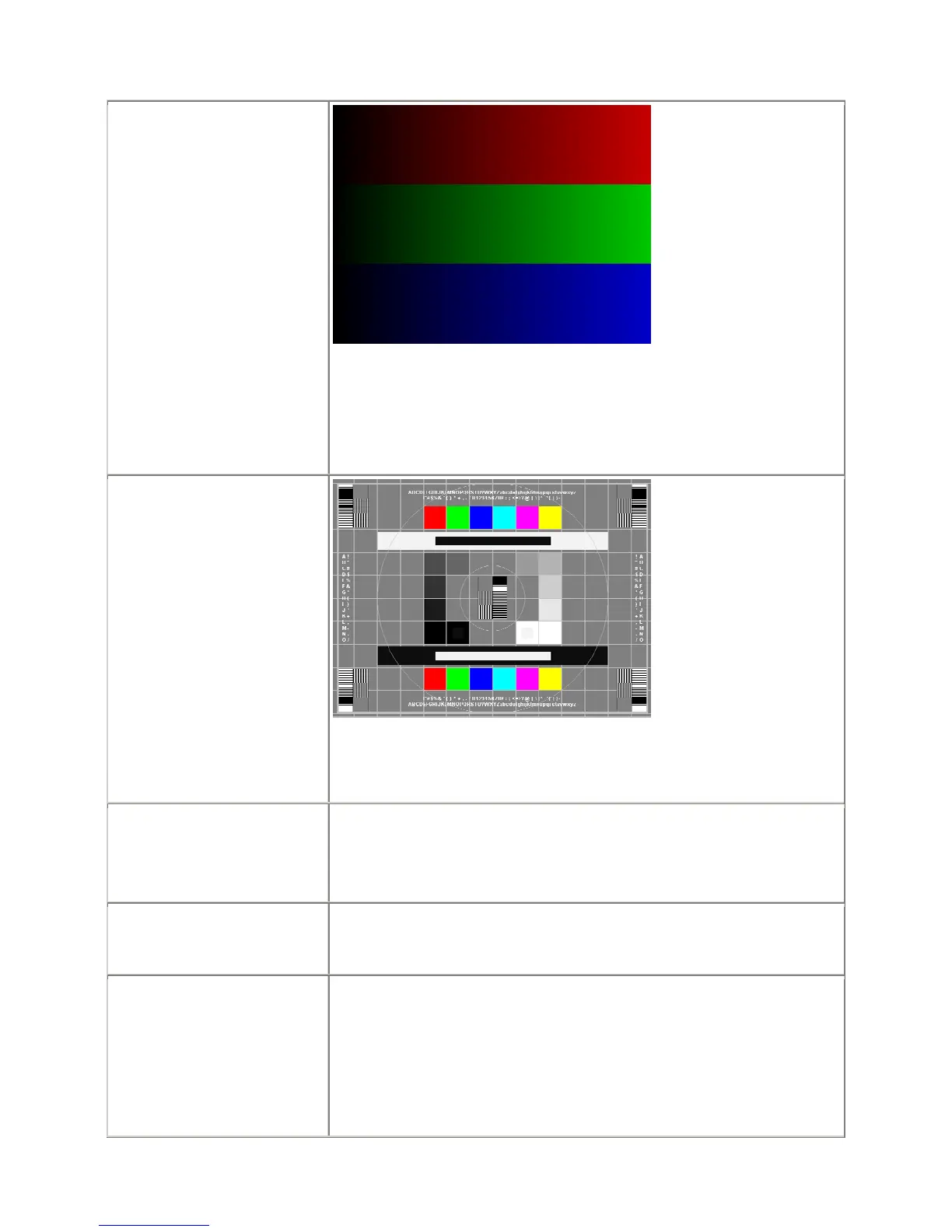
Image #2: Color Ramp
Project the Color Ramp
image.
Verify there are no missing parts of the ramp.
Verify that the bars are not flashing.
Verify that the transitions from light to dark are smooth and gradual.
Image #4: SMPTE133
Project the SMPTE133 image.
Verify that there are no noise, tint, duplicating columns, or other general
image abnormalities present
On the keypad, press Menu.
On the Display menu, select
Reset All.
Verify that the image synchronizes.
Expansion module
Connect a source to each input and output to check functionality. If any
ports are bad, replace the module.
Power Down
After all tests are complete
turn the power off and
disconnect all cables. Attach
the lens cap.
Verify unit is powered off before disconnecting cables.





 To Next Page