User Manual for the Thermographic System VarioCAM
®
high resolution
8. Operation
User Manual © InfraTec GmbH 2013 45
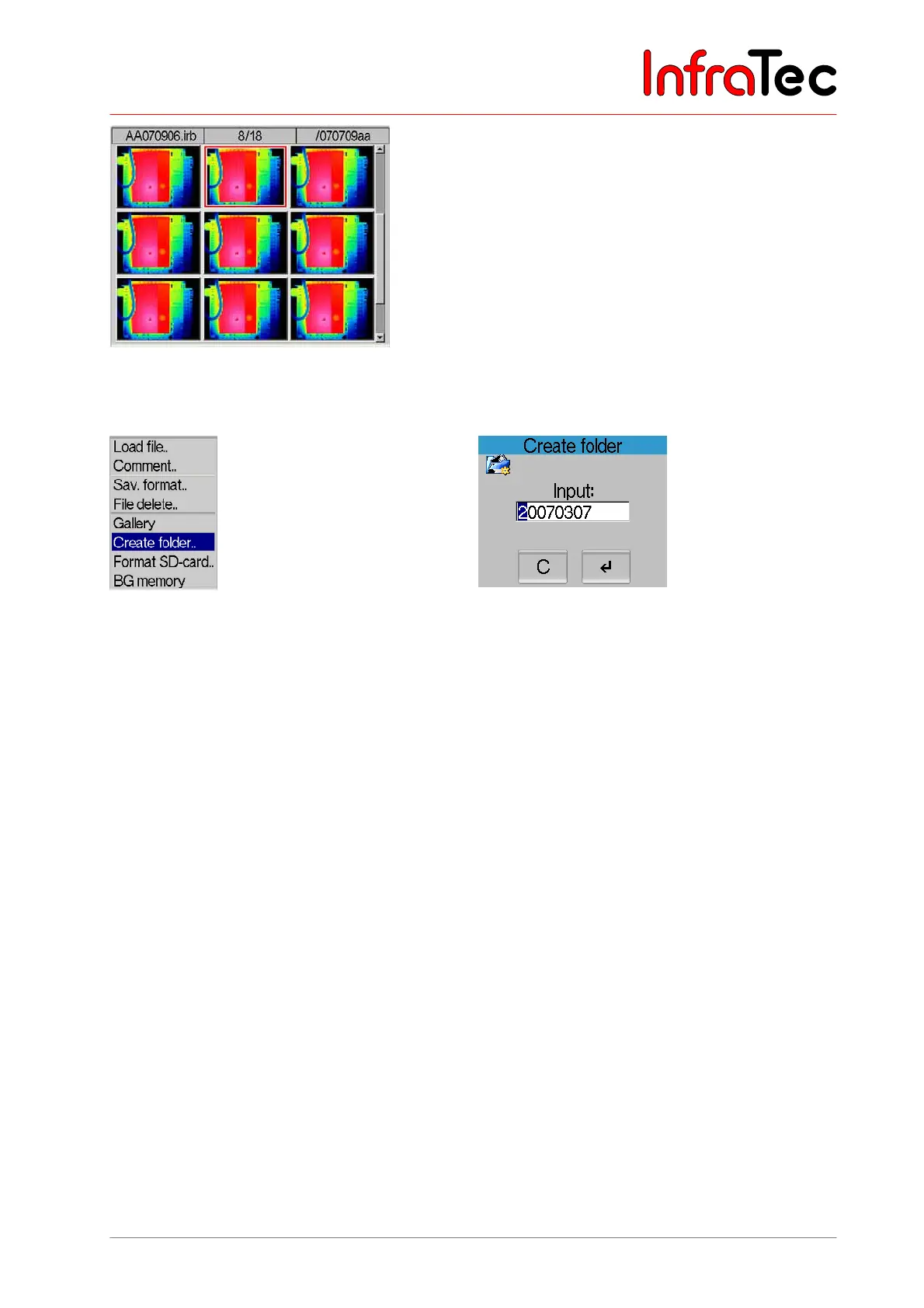
Fig. 85 Menu “File” – “Gallery display”
Menu item “Create folder..”
Fig. 86 Menu “File” – “Create folder..” Fig. 87 Dialogue “Create folder”
This function permits to create directories on the SD card and allocate names to them of maximum 8
characters. The current date in the form of JJJJMMTT is suggested. Using the joystick , can change
the desired character; , change the position. S deletes the current character. Directories can only be
created in the root path; therefore, there is only one directory level. After creating the directory it will
subsequently be used for saving the IRB files.
The file names will then consecutively be numbered from 00 to 99, whereas the first six characters in the
filename conform to the first six characters of the directory.
Example: In a newly created directory named “INFRATEC”, the IRB files are saved under the following
names: INFRAT00.irb, INFRAT01.irb, etc.



 To Next Page