SKYZER TECHNOLOGIES PAGE 33 OF 116
NITRO INGENICO ICT250 AND IWL252 2015 PAYMARK SOFTWARE OPERATING GUIDE Version 1.0
3 ADMINISTRATION
3.1 PASSWORDS
The following passwords are used for configuration and testing:
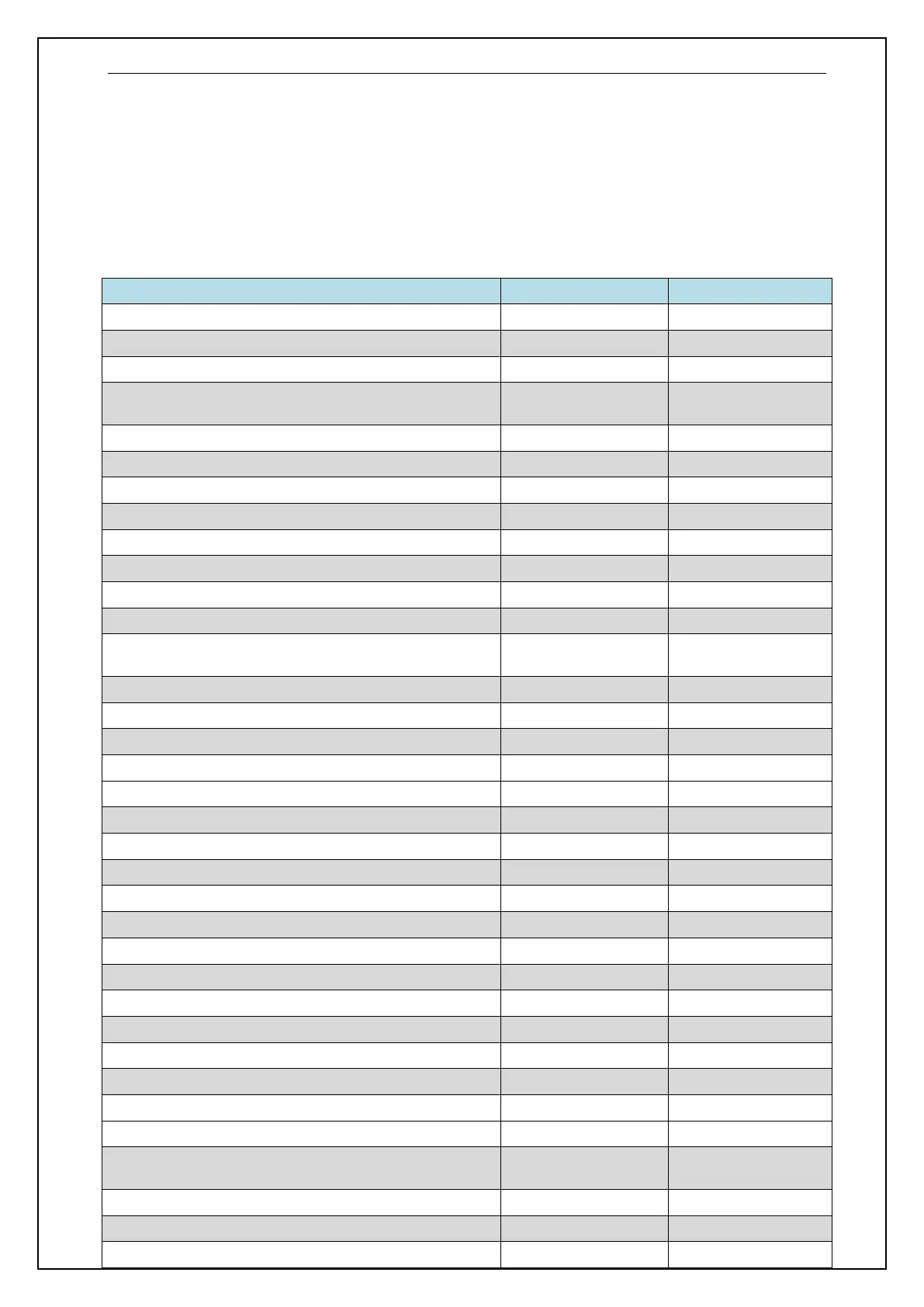
DESCRIPTION PASSWORD PAGE NUMBER
Installing the Battery 28
Power ON IWL Terminal 29
Power OFF IWL Terminal 29
IWL252 Bluetooth Terminal/Base Pairing and Un-pairing
Functions
0 and then 6988 34
Installing an IPP280 Pinpad 77 then 2 37
Deactivating an IPP280 Pinpad 77 38
Installing an IPP310 Pinpad 77 then 1 39
Deactivating an IPP310 Pinpad 77 40
EFTPOS Configuration 3824 42
Nitro Baud Rate Setup 84 56
Nitro Interface Com Port 6629 57
Reset Merchant Configuration (Memory Reset) 9902 58
Contactless Configuration 0 and then
6988/62624371
60
Remote Key Injection (PKMS) Configuration 7418 and then 1 64
Remote Key Injection (PKMS) Initialisation 87 and then 6987 67
Enable Receipt Header 7418 and then 2 68
Configure Receipt Header and Footer 3825 69
Disable Receipt Header 7418 and then 2 71
Restart Terminal 86 72
Reset GPRS Link 3823 72
Disable Credit Account Prompt 11 and then 8099 73
Enable Credit Account Prompt 11 and then 8099 73
Terminal Management System Configuration 2467 74
Terminal Management System Download 2468 76
Reset Terminal Management System Download 1234 77
Pure Commerce CSE Configuration 3025703 79
Pure Commerce CSE Connection Test 3025700 80
Pure Commerce CSE BIN Range Download 3025701 81
Pure Commerce CSE Rates Table Download 3025702 81
Print Pure Commerce CSE Rates Table 3025705 82
Pure Commerce CSE Configuration Reset 3025706 82
Upload Electronic Offline Voucher or Contactless Offline
Transactions
88 98
Terminal Diagnostics 9904 100
POS Diagnostics 103
Training Mode 9999 107
















 To Next Page