SKYZER TECHNOLOGIES PAGE 34 OF 116
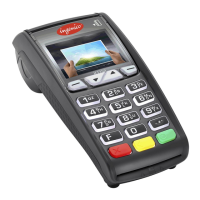
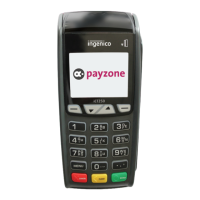
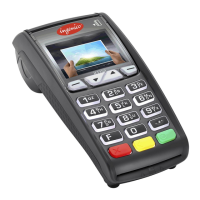
NITRO INGENICO ICT250 AND IWL252 2015 PAYMARK SOFTWARE OPERATING GUIDE Version 1.0
Shortcut Key
To restart the terminal, perform the shortcut key function as below from the idle
screen.
4
IWL 252 Bluetooth Terminal/Base Pairing and Un-
pairing Functions
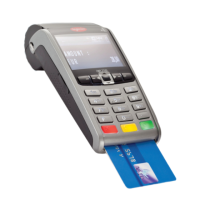
The iWL252 Bluetooth terminal requires pairing, or associating with its base
before use. When paired, the terminal must be returned and correctly
Description Shortcut Key







 To Next Page